You can list the files in the defined directory on your FTP connection using the FTP file listing connector. You can create API Proxies that return the result of this listing operation.
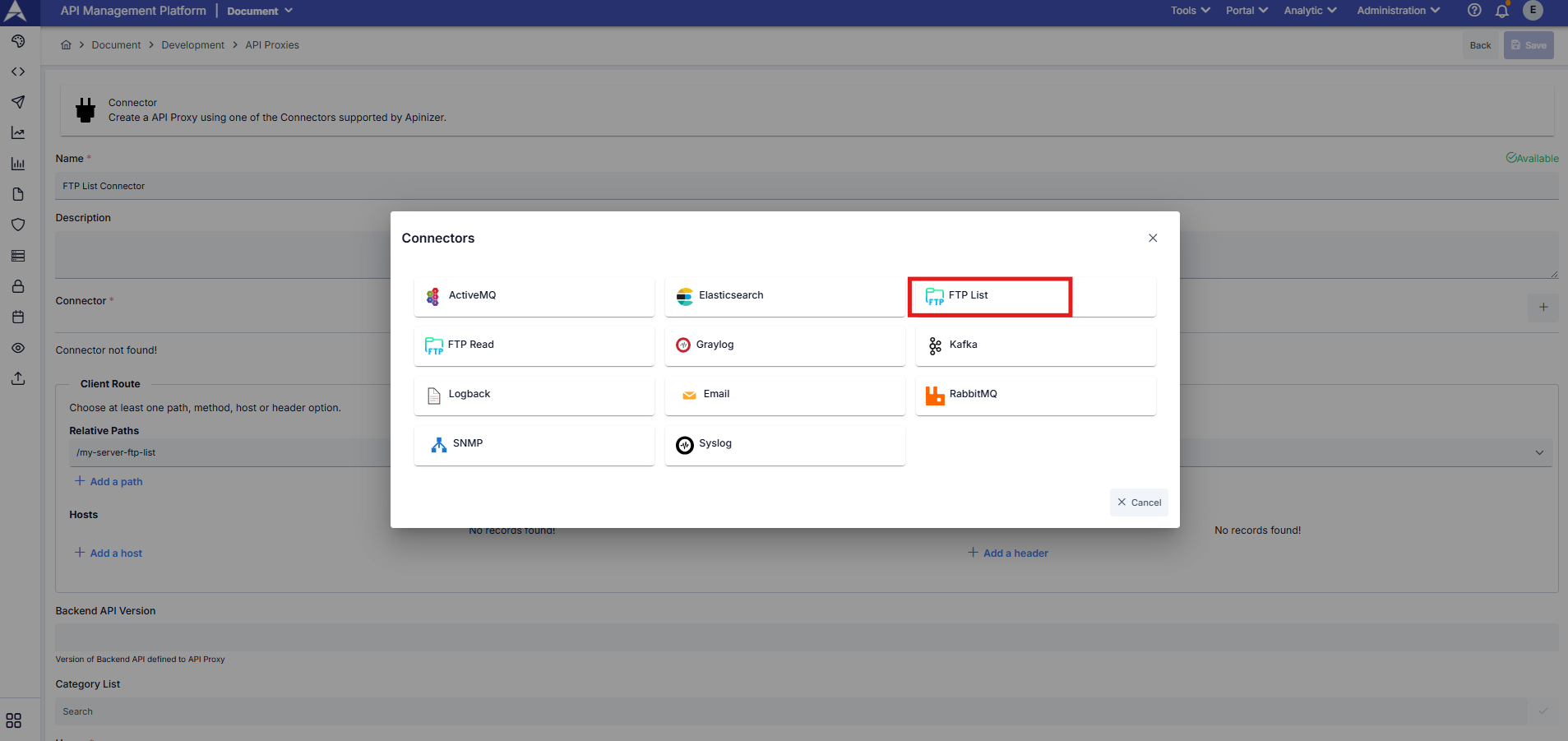
By sending an HTTP GET request to the FTP file listing connector you created, you can list the path in the relevant FTP connection definition and the files and directories under this path.
Example Request;
curl --location --request GET "https://<APINIZER_ACCESS_URL>/<RELATIVE_PATH>"
POWERSHELL