DB-2-API: Calling Stored Procedures
Calling Procedures in Oracle Database with Apinizer DB to API Designer
Important
Apinizer does not support OracleTypes.CURSOR. It can only serve simple procedure calls as services.
1. Creating DB-2-API
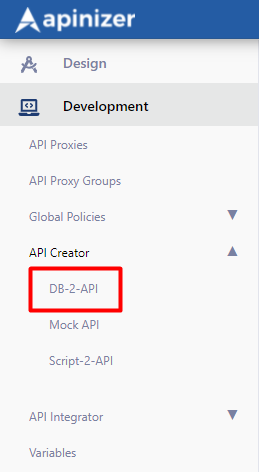
A new API is defined via Management → Development → API Creator → DB-2-API.
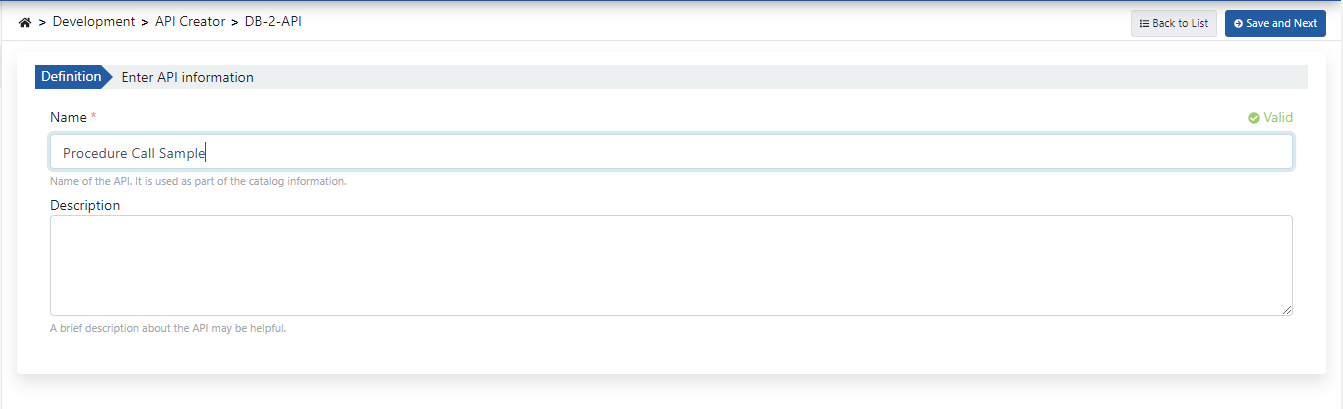
Fill in the DB-2-API name and description fields, then click the Save and Next button.
The image below shows DB-2-API settings:
2. Creating Methods
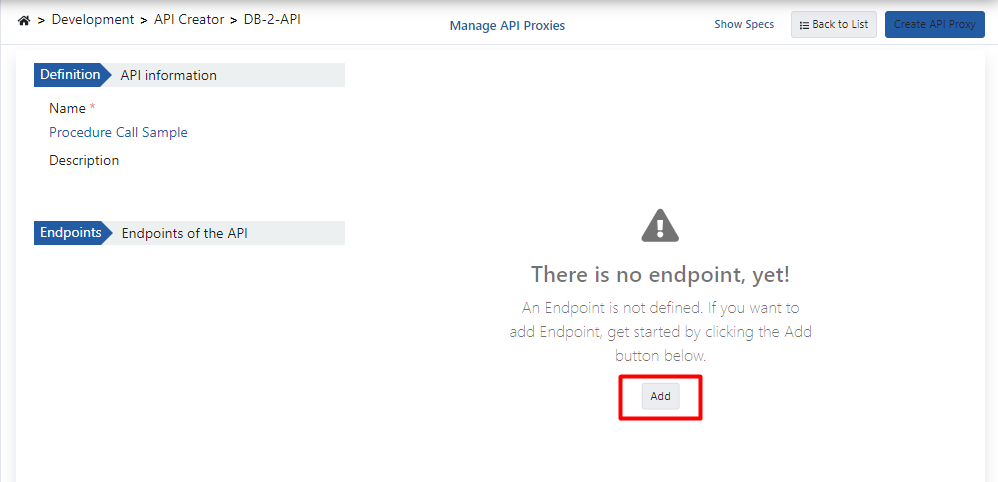
Click the Add button to open the method/endpoint creation panel.
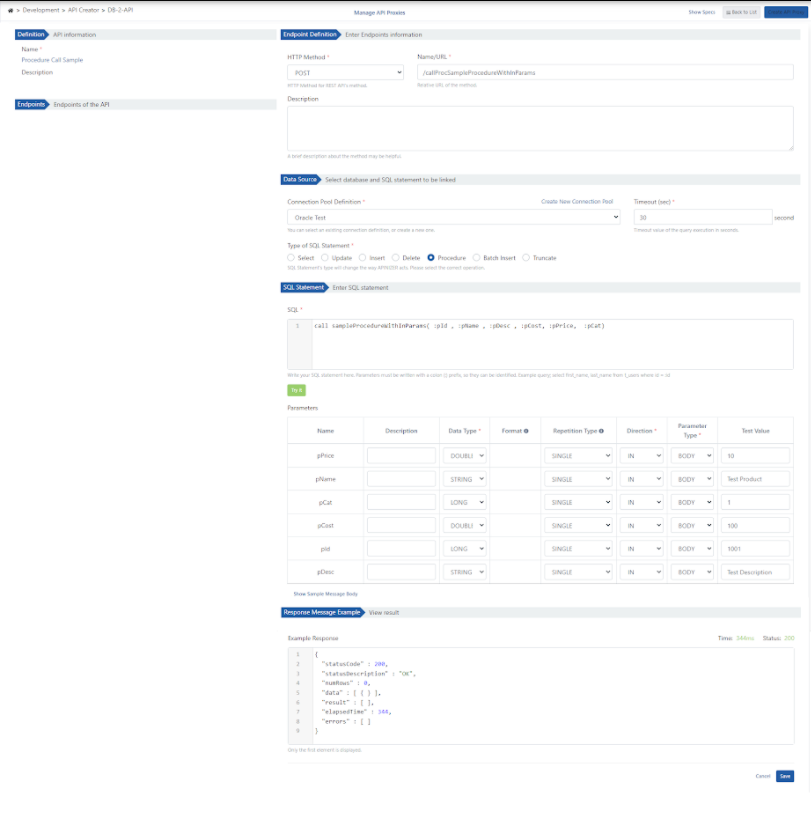
2.1 Calling Procedures with Only IN Parameters
The Oracle database procedure used as a demo is shown in the example below:
create or replace PROCEDURE sampleProcedureWithInParams (
  pId IN NUMBER,
  pName IN VARCHAR2,
  pDesc IN VARCHAR2,
  pCost IN NUMBER,
  pPrice IN NUMBER,
  pCat IN NUMBER
) IS
begin
  INSERT INTO "TEST"."PRODUCTS" (
    PRODUCT_ID,
    PRODUCT_NAME,
    DESCRIPTION,
    STANDARD_COST,
    LIST_PRICE,
    CATEGORY_ID
  ) VALUES (pId, pName, pDesc, pCost, pPrice, pCat);
  commit;
end;
The image below shows method creation settings:
2.2 Calling Procedures with IN and OUT Parameters
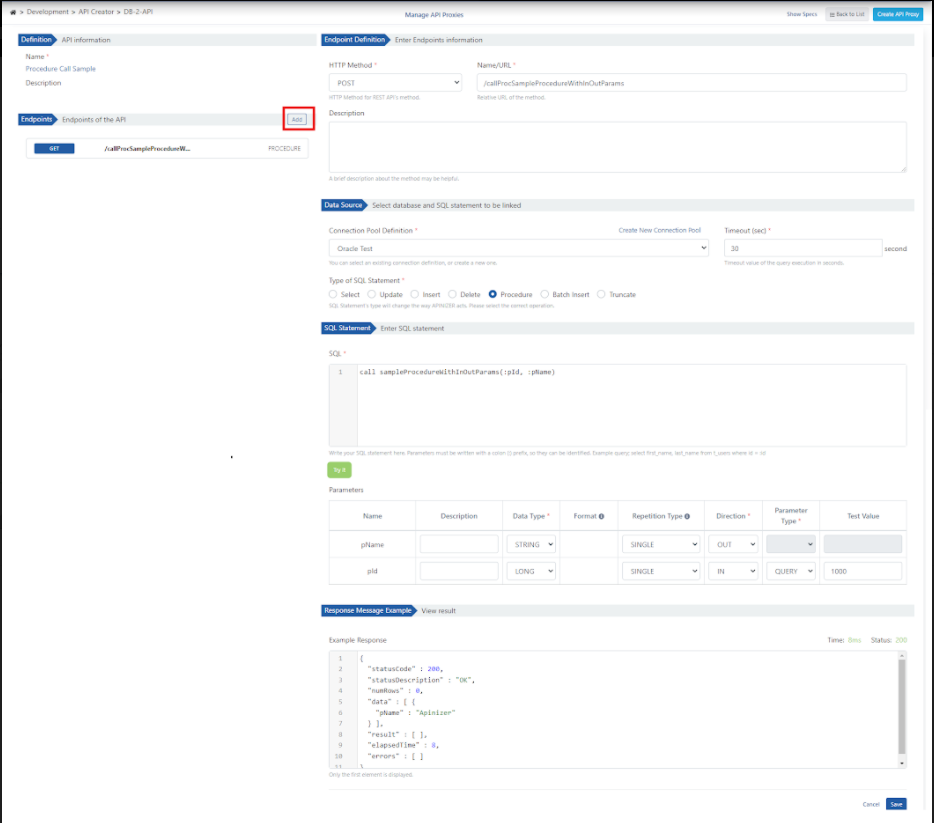
A. The Oracle database procedure used as a demo is shown below:
create or replace PROCEDURE sampleProcedureWithInOutParams (
  pId IN NUMBER,
  pName OUT VARCHAR2
) IS
begin
  select PRODUCT_NAME into pName
  from PRODUCTS
  where PRODUCT_ID = pId;
  commit;
end;
The image below shows method creation settings:
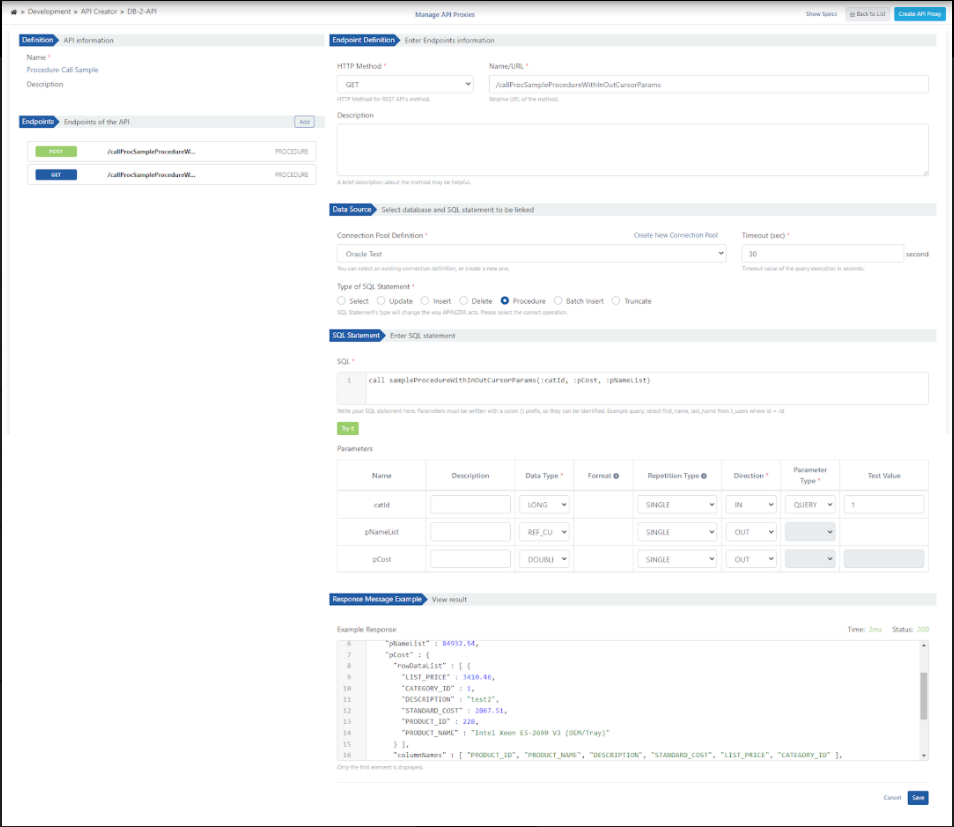
B. The Oracle database procedure used as a demo is shown below:
create or replace PROCEDURE sampleProcedureWithInOutCursorParams (
  cat_id IN NUMBER,
  total_cost OUT NUMBER,
  cursoroutparam OUT SYS_REFCURSOR
) IS
begin
  SELECT sum (standard_cost) INTO total_cost
  FROM PRODUCTS
  where category_id = cat_id;

  OPEN cursoroutparam FOR
    SELECT * FROM PRODUCTS
    where category_id = cat_id;
end;
The image below shows method creation settings:
3. Viewing API Definition Documents
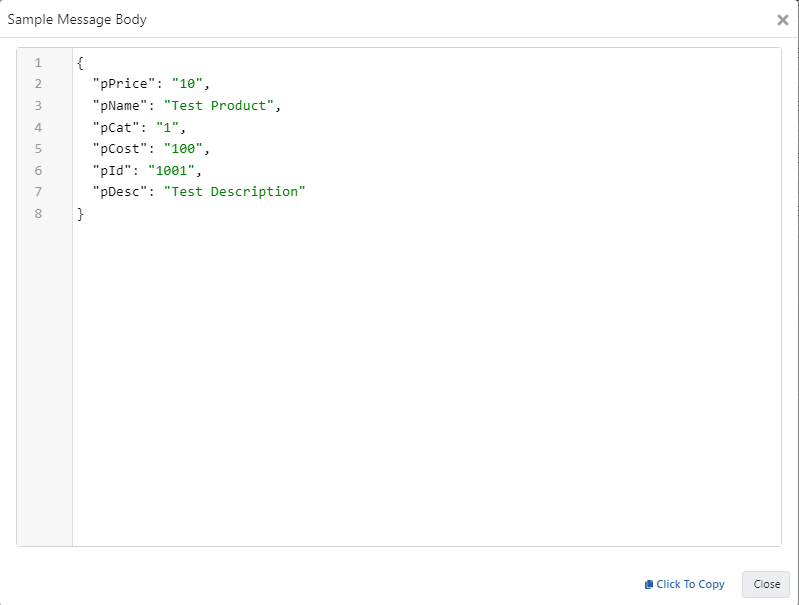
Click the Show Sample Message Body link to view the message content.
4. Creating API Proxy
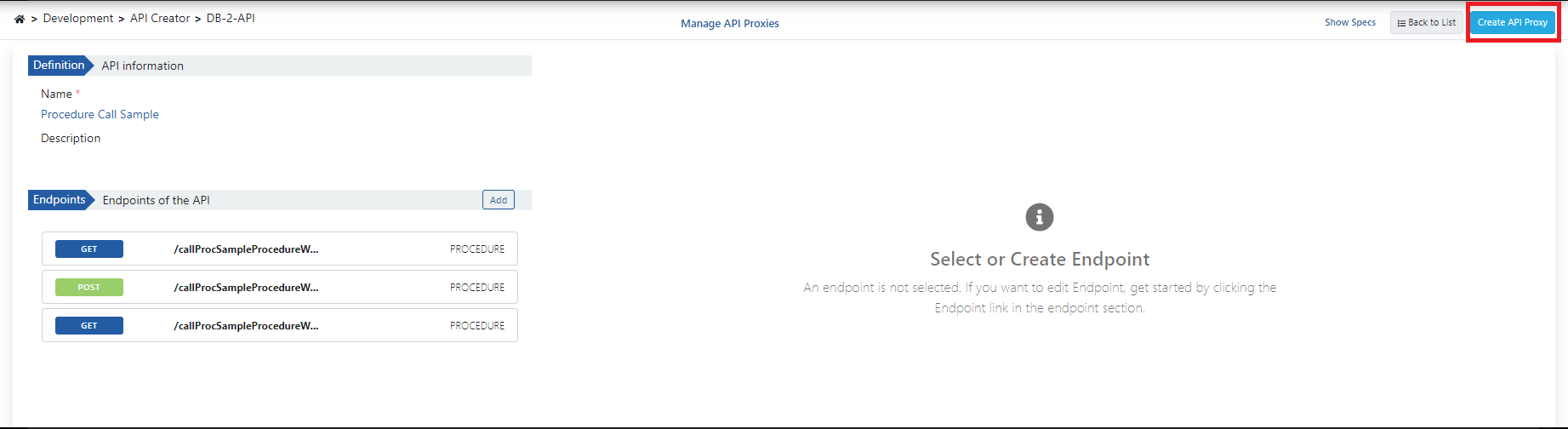
You can instantly create an API Proxy by clicking the Create API Proxy button from the DB-2-API screen.
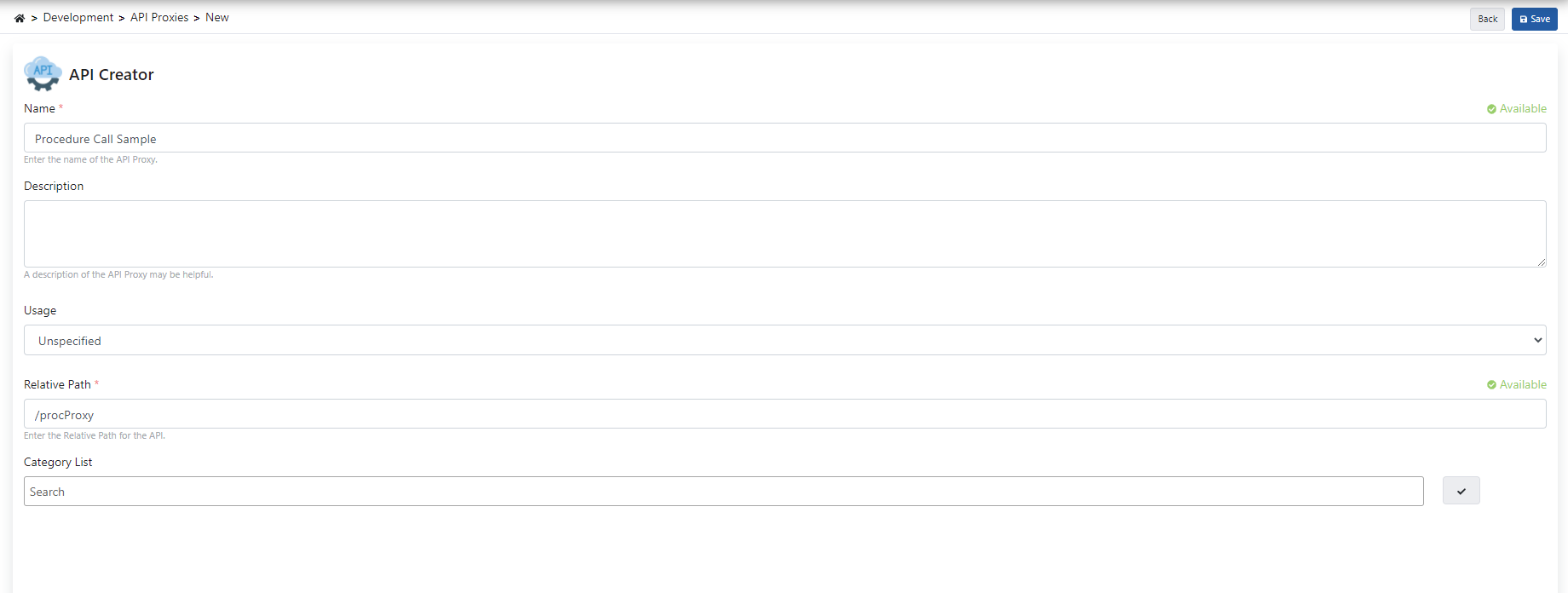
When creating the API Proxy, fill in the fields shown in the image below and click the Save button.
4.1 Deploying the API Proxy
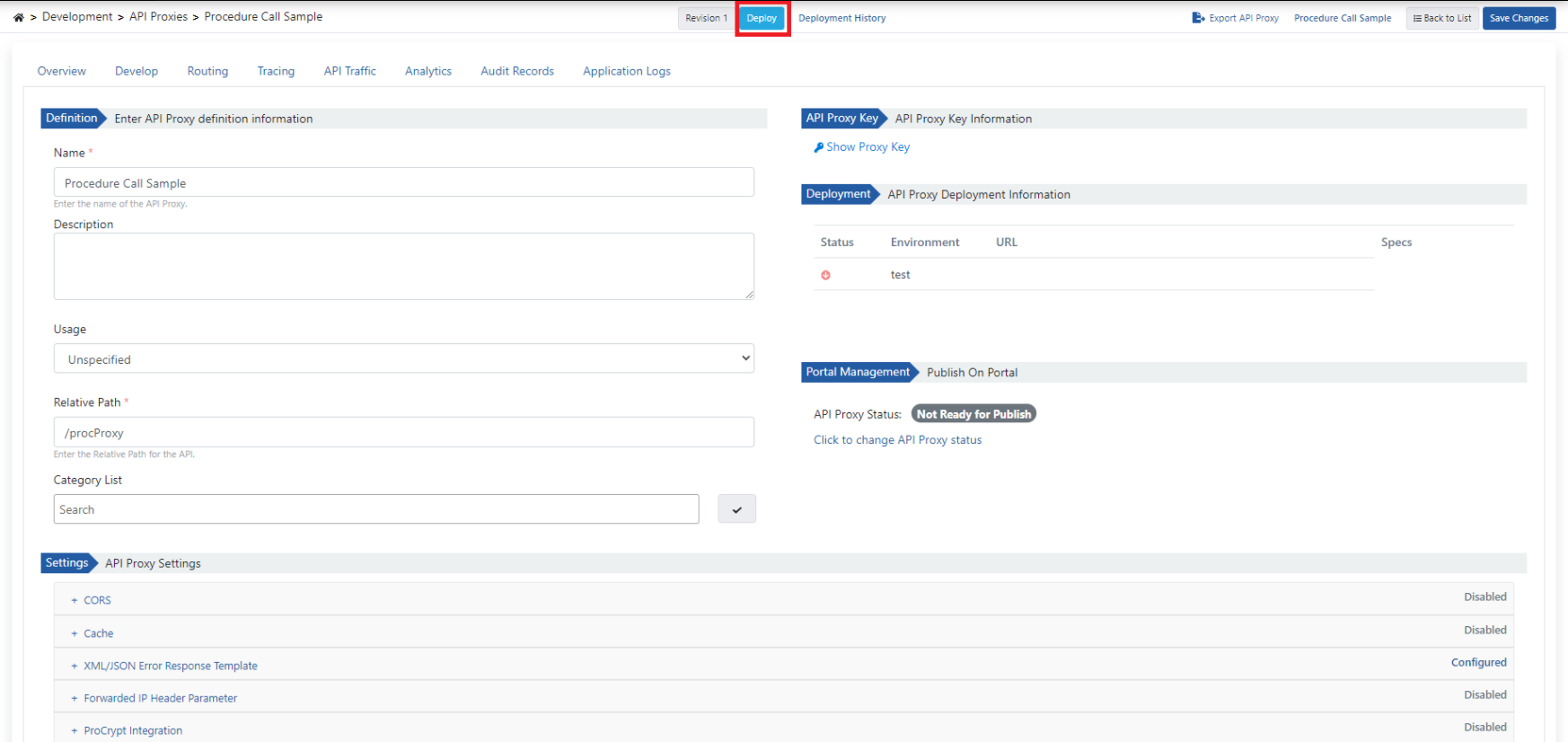
The API Proxy can be quickly deployed to a defined environment and made available for client consumption.
This operation can be managed through the dialog opened by the Deploy button on the API Proxy screen.
5. Testing
5.1 Testing the IN Procedure
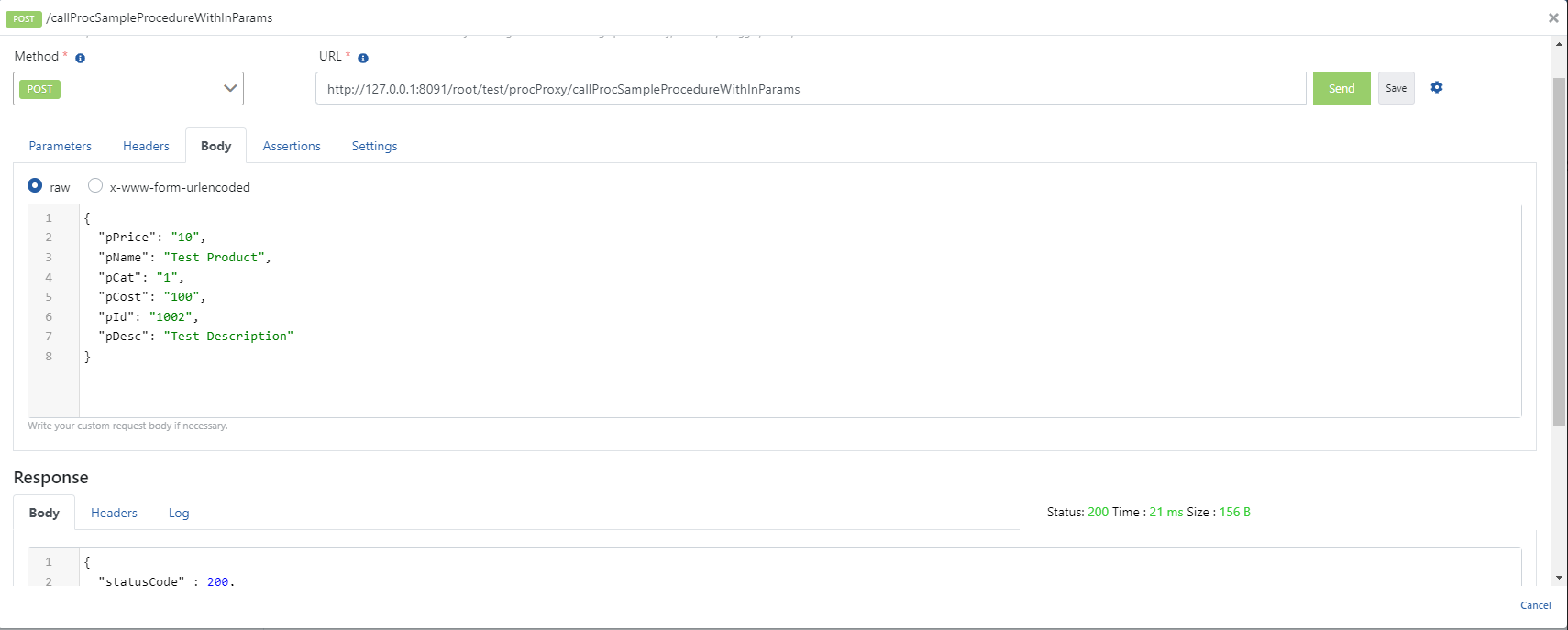
When the parameters expected by the relevant method are added to the request and executed, the following successful response is returned.
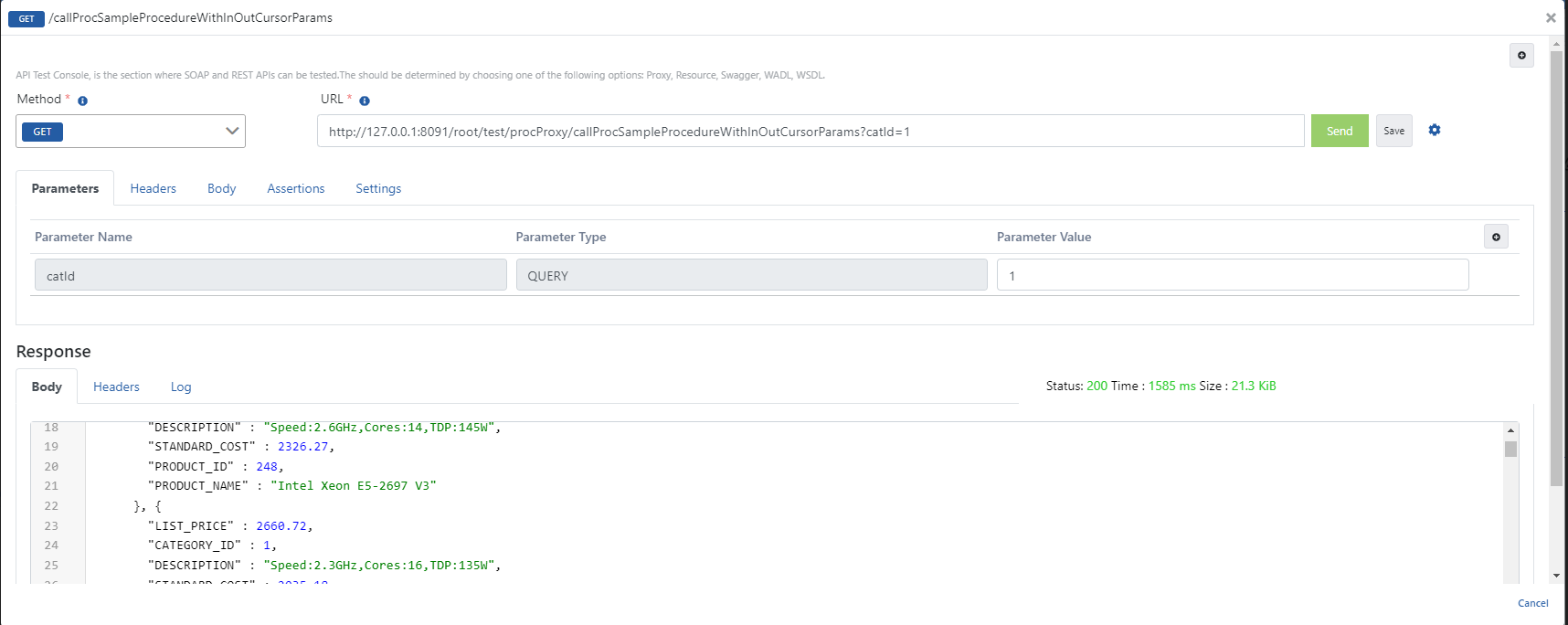
5.2 Testing the OUT Cursor Procedure
When the parameters expected by the relevant method are added to the request and executed, the following successful response is returned.
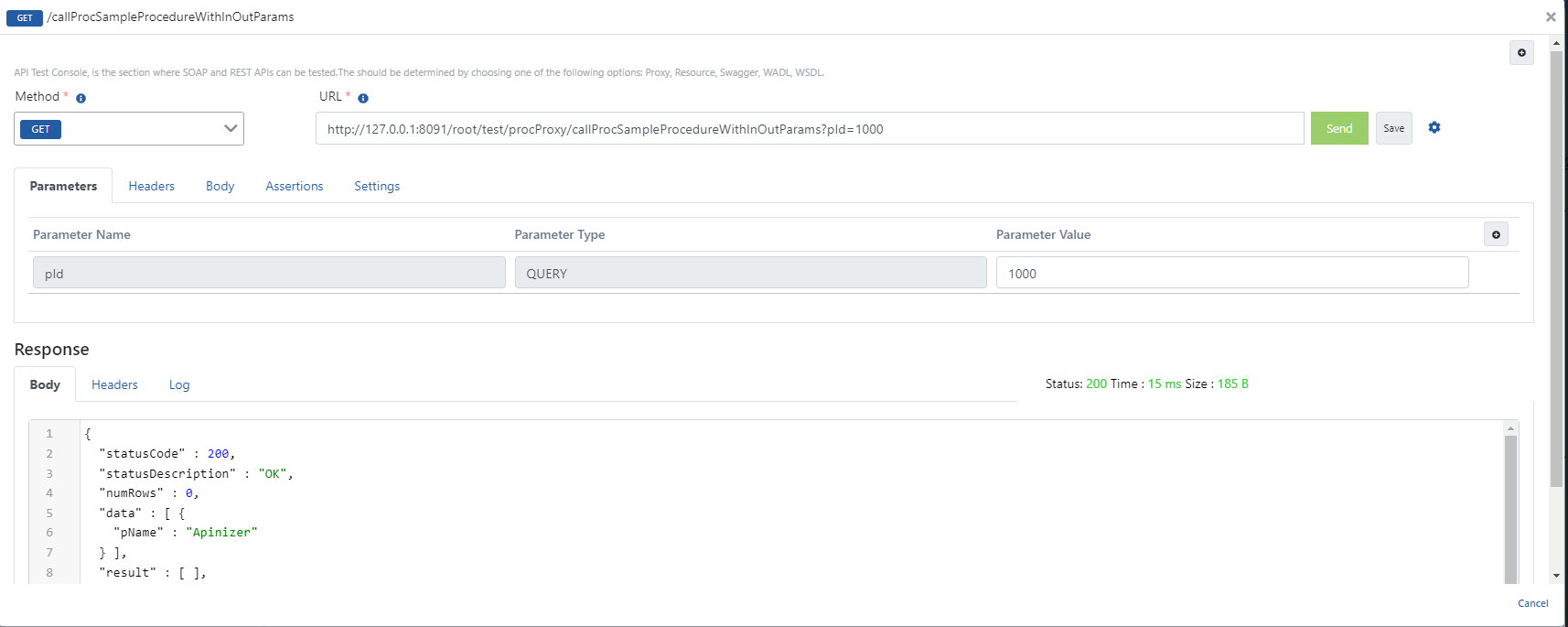
5.3 Testing the OUT Procedure
When the parameters expected by the relevant method are added to the request and executed, the following successful response is returned.