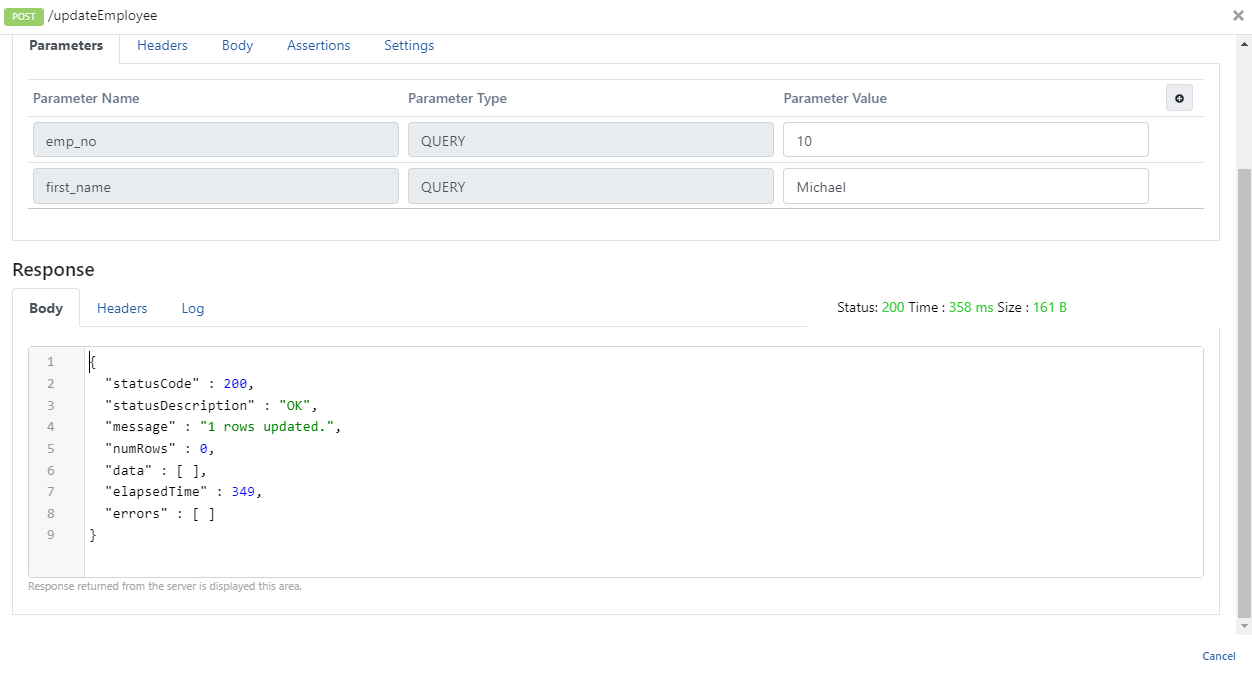
DB-2-API: Update Usage
This scenario explains Update usage on DB-2-API in the Apinizer Platform.
For more information about creating DB-2-API, click here.
1. Creating DB-2-API
An API is to be created to manage employee records.
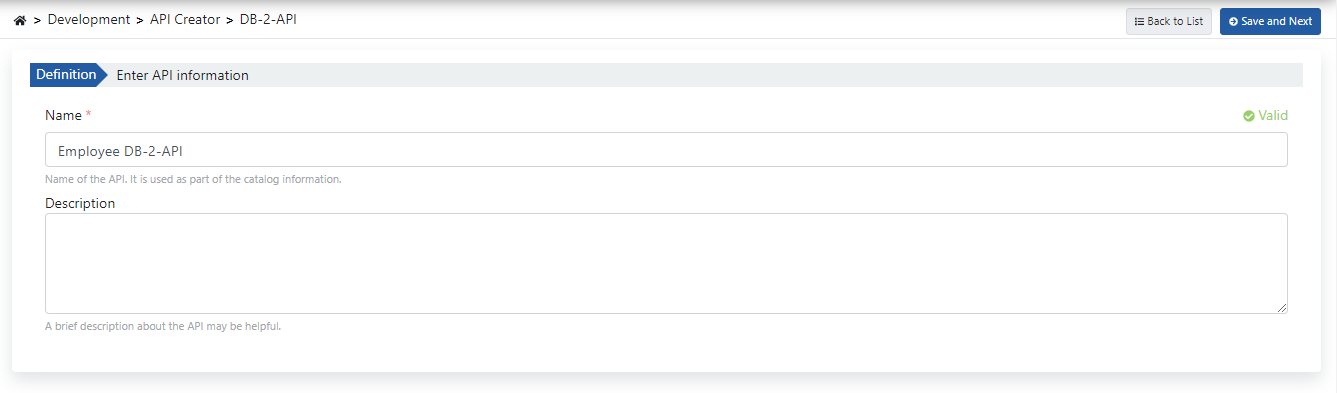
Fill in the DB-2-API name and description fields, then click the Save and Next button.
The image below shows DB-2-API settings:
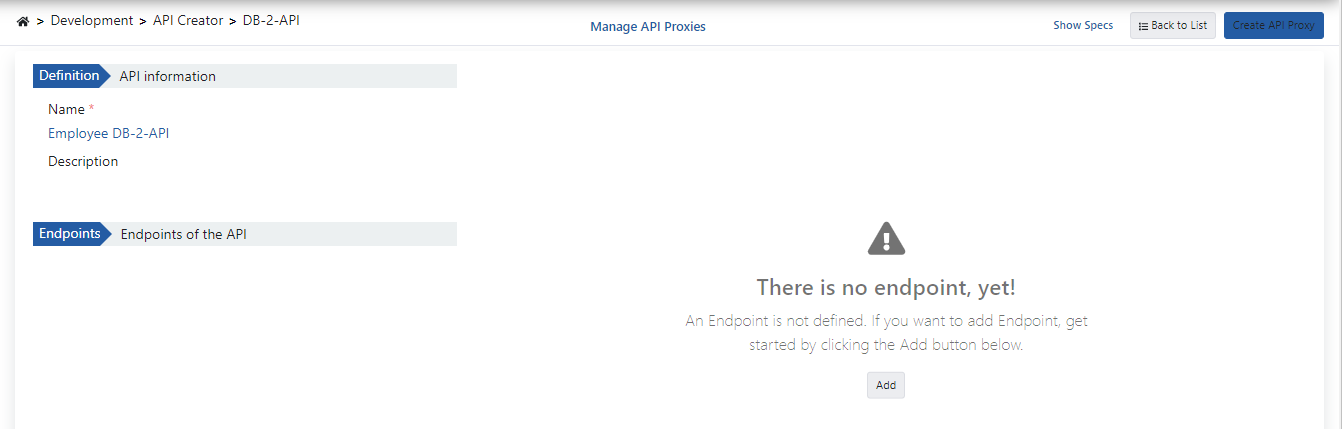
When DB-2-API is created, API and method information appears on the left panel, and the definition information of the selected method appears on the right.
2. Creating Methods
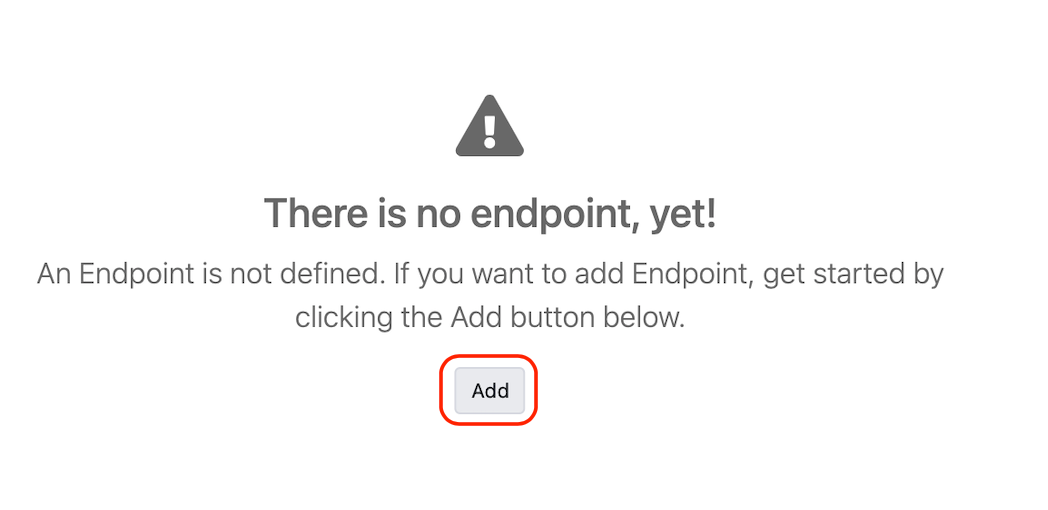
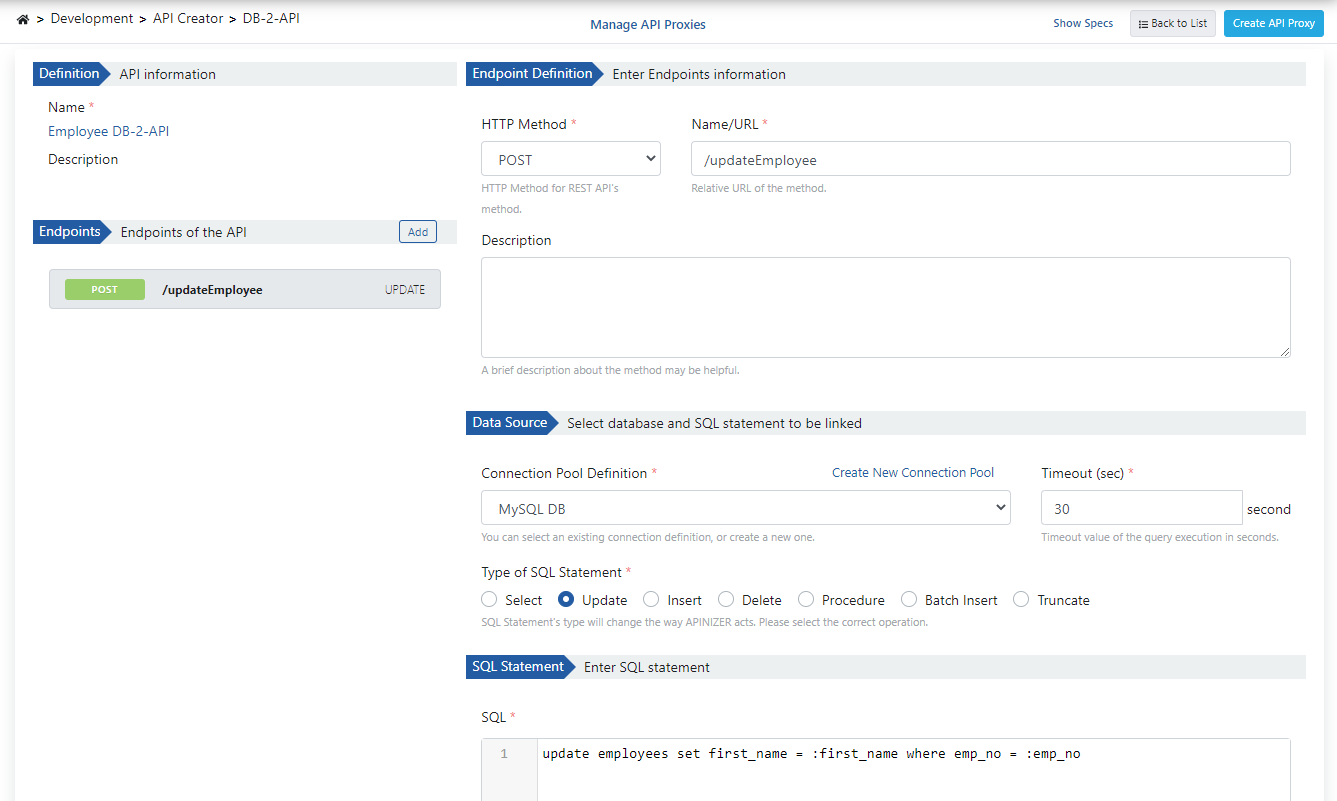
Click the Add button to open the method/endpoint creation panel.
The image below shows method creation settings:
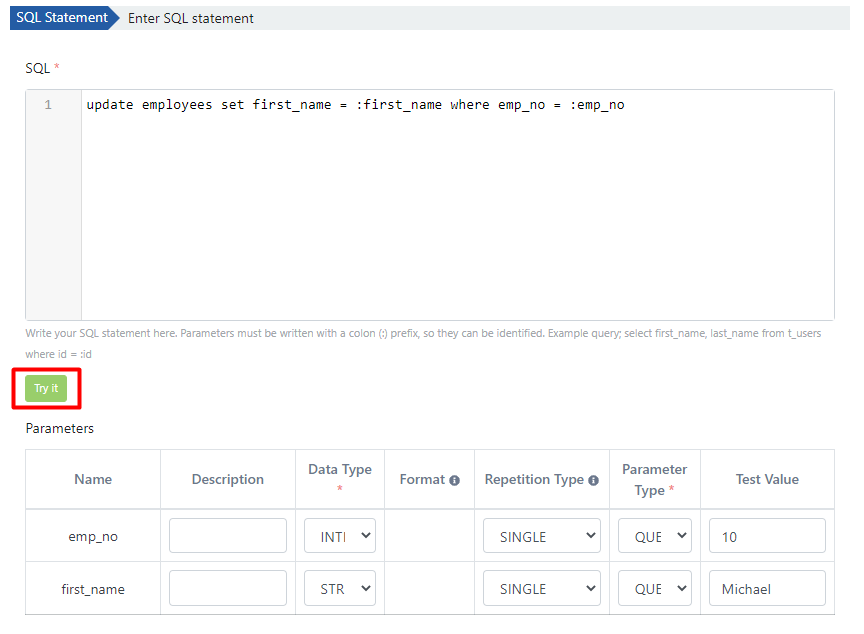
After entering the required parameters, you can test the written query with the Try It button.
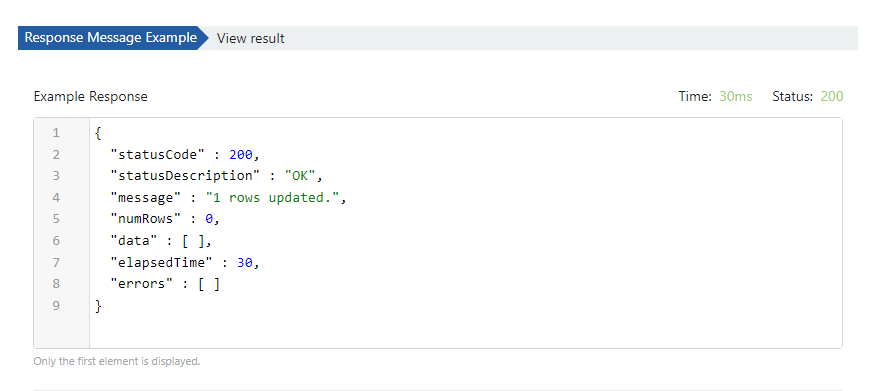
The image below shows the test result message:
3. Viewing API Definition Documents
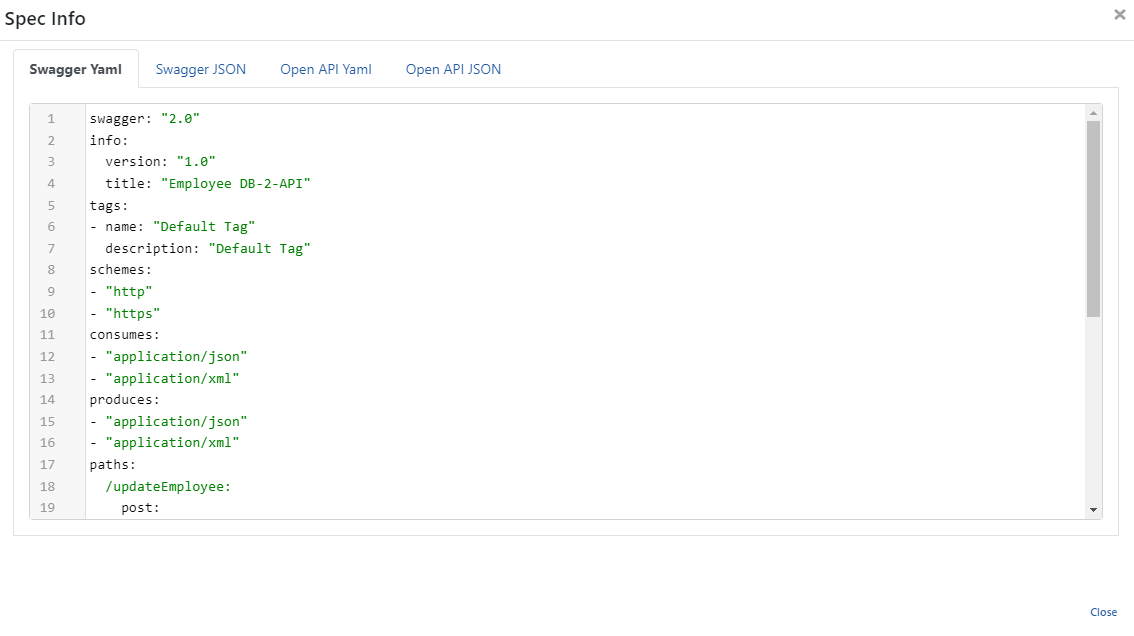
Click the Show Specs link to access the API definition files for Employee Db-2-API.

The image below shows the Spec Information dialog:
4. Creating API Proxy
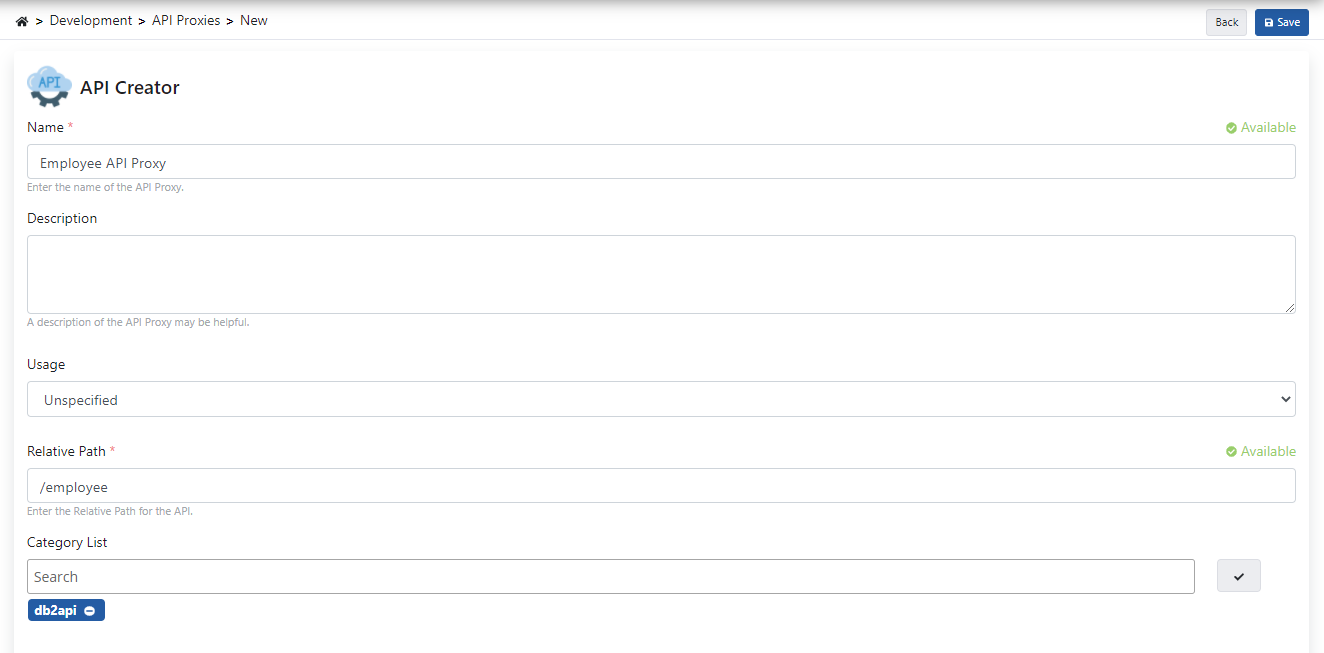
You can instantly create an API Proxy by clicking the Create API Proxy button from the DB-2-API screen.

When creating the API Proxy, fill in the fields shown in the image below and click the Save button.
4.1 Deploying the API Proxy
Employee API Proxy can be quickly deployed to a defined environment and made available for client consumption.
This operation can be managed through the dialog opened by the Deploy button on the API Proxy screen.

5. Testing
When sent without adding the parameters expected by the relevant method, the following error response is returned.
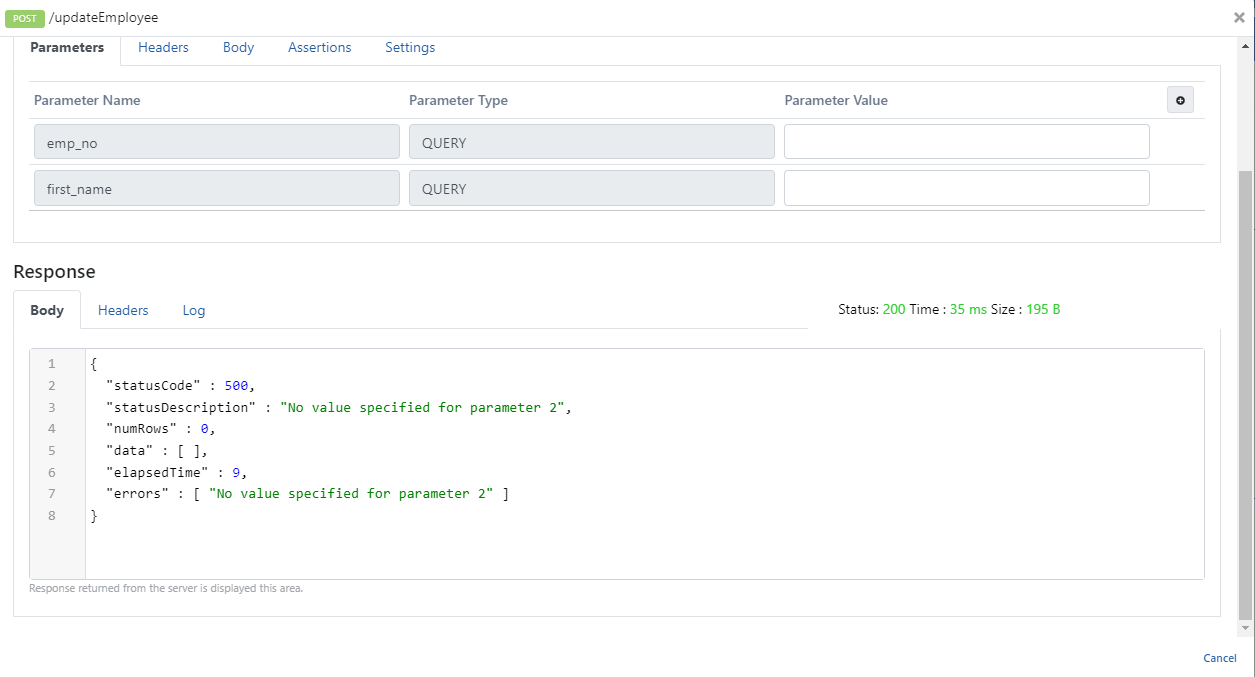
When the parameters expected by the relevant method are added to the request and executed, the following response is returned.