Policy Groups
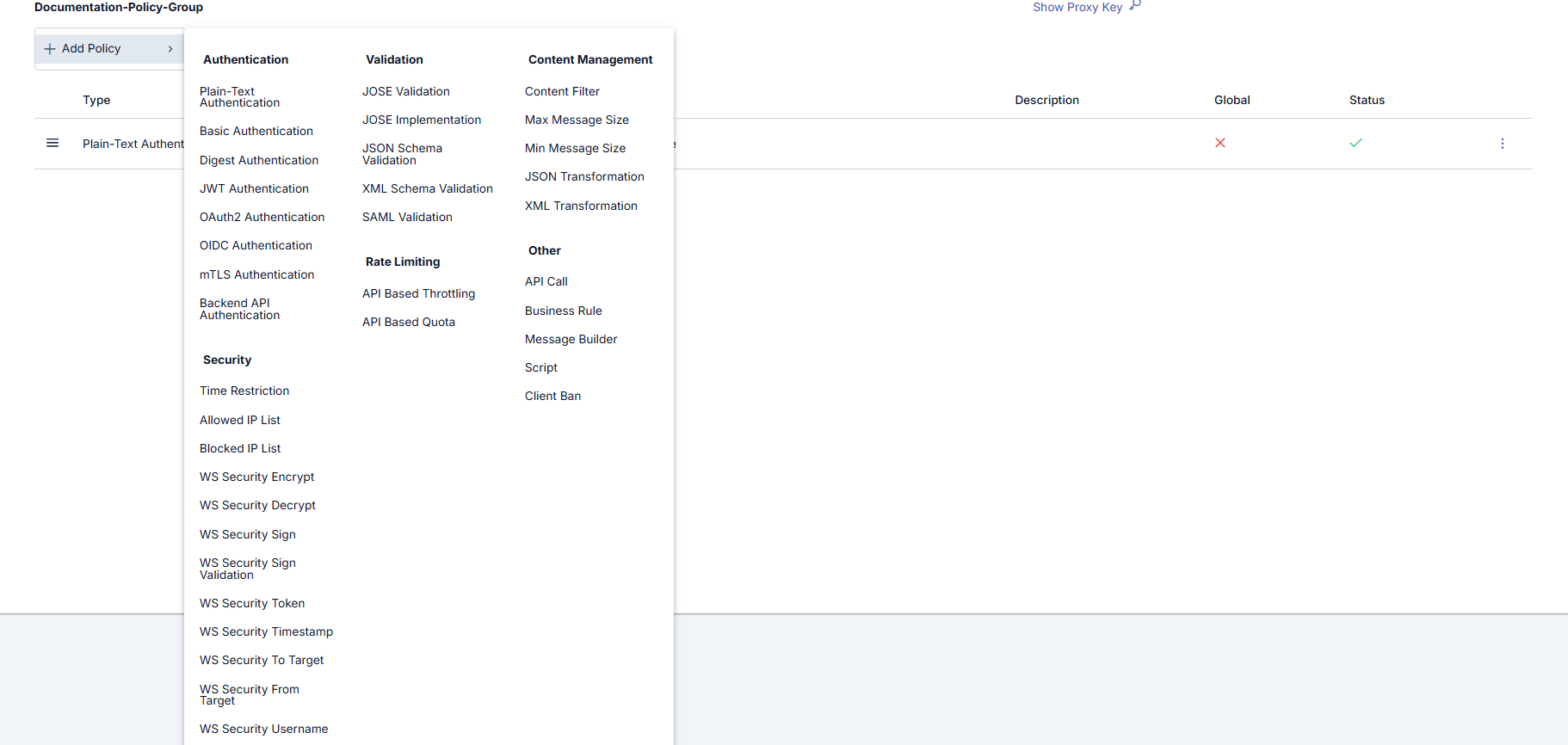
The Policy Group screen is used to group multiple policies for use. Grouped policies can be added as a group in the API Proxy/API Proxy Group page like adding policies, or can be connected to API Proxies and API Proxy Groups according to a specific execution order when creating. Users can add desired local or global policies to the group with the 'Add Policy' button and arrange their order, and if desired, make the policy status active/inactive.
You can visit the Policies (Policies) page for policy details.
Policy Group settings are shown in the following images:
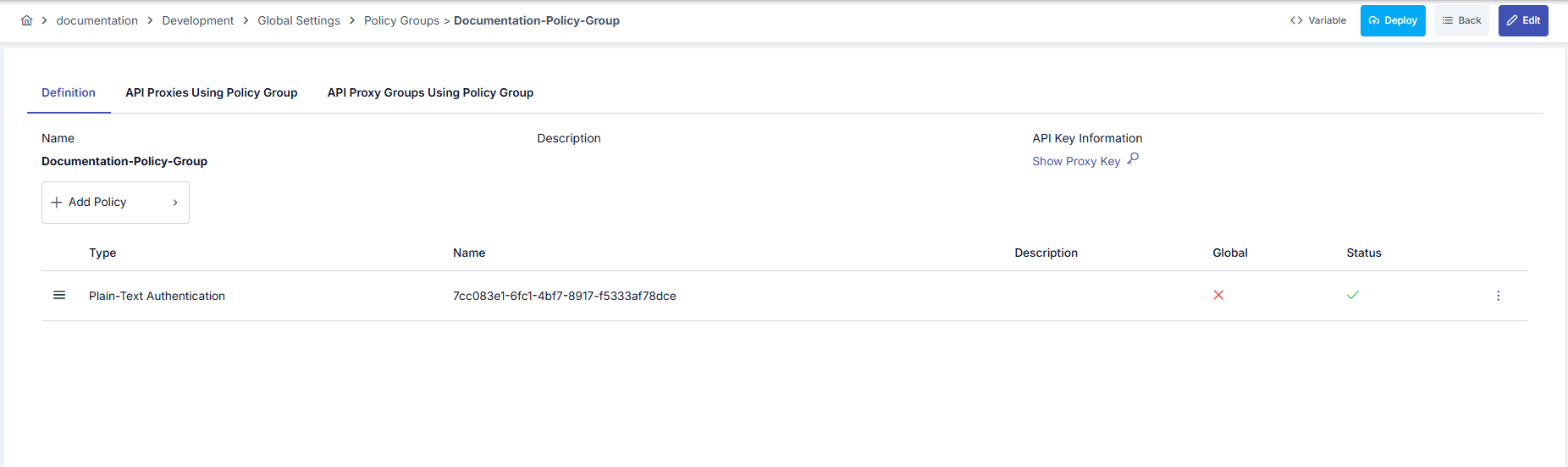
The fields used for Policy Group configuration are shown in the table below.
| Field | Description |
|---|---|
| Name | Name used for Policy Group. |
| Description | Descriptive information can be added about the Policy Group. |
| Add Policy | Used to create a new policy and add it to the list. Each added policy is applied according to the execution order determined on the Proxy. Ordering can be changed through drag icons on the screen. |
| Show API Key (Show Proxy Key) | Opened via the link in the API Key Information area. When clicked, a dialog is displayed with Policy Group Client Id and Policy Group Client Secret; both fields are read-only; values can be shown, copied, and changed with the pencil button (Edit Client Id / Edit Client Secret). A changed key is kept as a draft until you click Save and confirm in the key dialog; Cancel discards it. |
| Variable Button (Variable) | You can select dynamic values for related fields using the [<> Variable] button at the top of the page. For details, review Dynamic Variables. |
The created Policy group can be assigned to proxies and proxy groups.
The list of API Proxies and API Proxy Groups using the Policy group is shown in the following image:

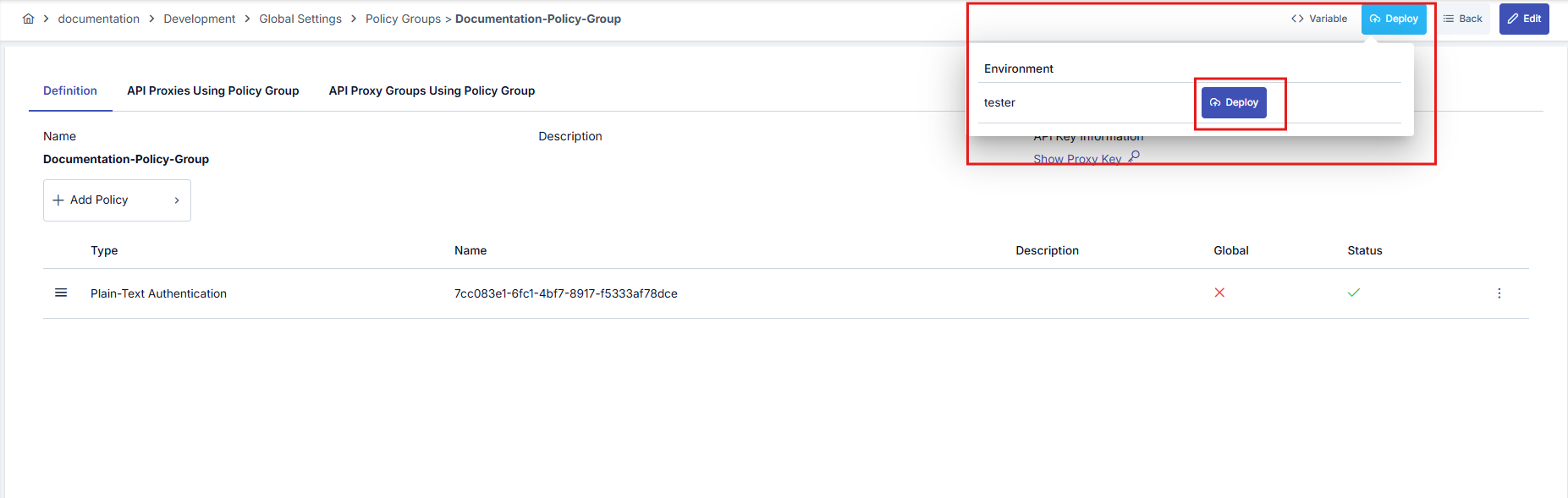
Policy Group Deploy Operation
When any change is made to a policy group, the status of API Proxies and API Proxy Groups using this group changes to "Redeploy Required". Instead of deploying them one by one, the "Policy Group Deploy" feature enables bulk deployment of all API Proxies and API Proxy Groups using this policy group to a specific working environment (environment).
When the deploy operation is initiated, a confirmation dialog opens. This dialog contains the following information and options:
- Policy/Settings Group Name: The name of the policy group to be deployed is displayed. This information is shown in the confirmation mechanism since it is a bulk operation.
- API Proxy and API Proxy Group Selection: You can select whether the deploy operation will be applied to API Proxies, API Proxy Groups, or both. Both options can be selected.
- Filter Option: You can select one of the following options to filter which API Proxies and API Proxy Groups will be deployed:
- All: All API Proxies and API Proxy Groups using this policy group are deployed.
- Only deployed ones: Only API Proxies and API Proxy Groups that are deployed in the selected environment and do not require redeploy are deployed.
- Only deployed and redeploy required ones: Only API Proxies and API Proxy Groups that are deployed in the selected environment and require redeploy are deployed.
- Deployable Object Counts: The number of API Proxies and API Proxy Groups to be deployed is displayed according to the selected filter option.
When the filter option is changed, the deployable object counts are automatically updated. When the deploy operation is initiated, the API Proxies and API Proxy Groups determined according to the selected filter option are deployed.
When the deploy operation is completed, a results screen named Deployment Results showing the result of the deploy operation is presented to the user.
Policy Group Deploy detail is shown in the following image: