API Portal Usage with Claude Desktop MCP Connection
Getting Started
After making your MCP connection and ensuring you have a working token, you can start using it directly.
1. API Discovery
For example, try writing:
- Can you check which APIs I can access using mcp_xxx token with mcp connection on Apinizer API portal?
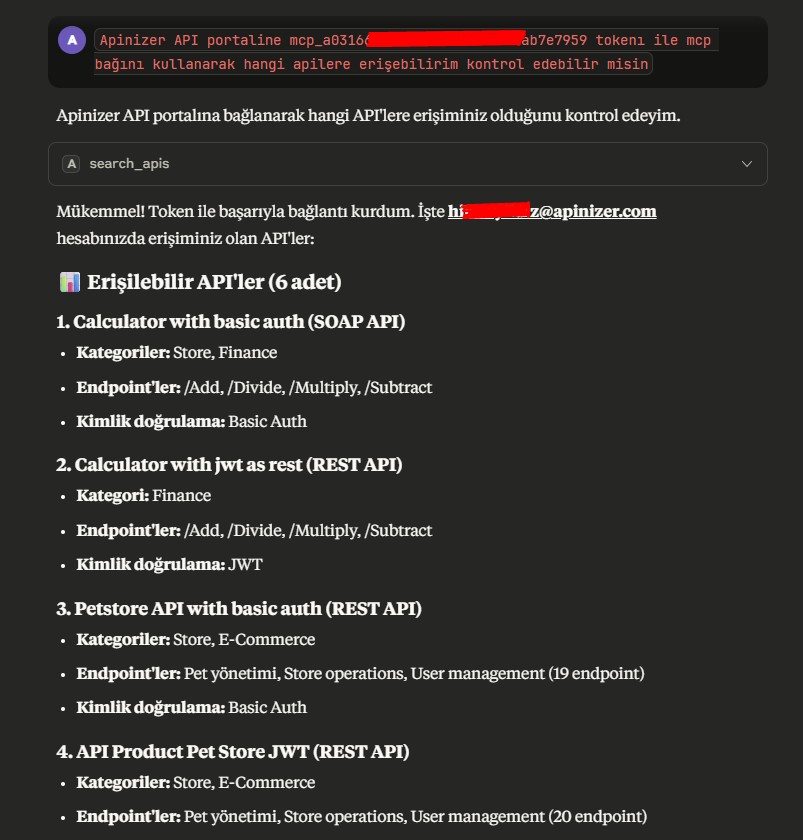
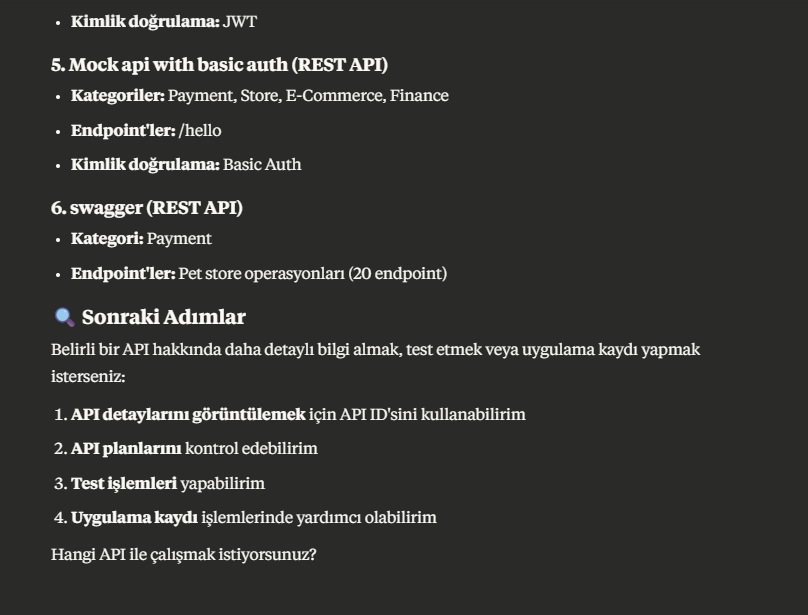
After reviewing the answers, you can proceed as follows.
- Can you share the details of the API?
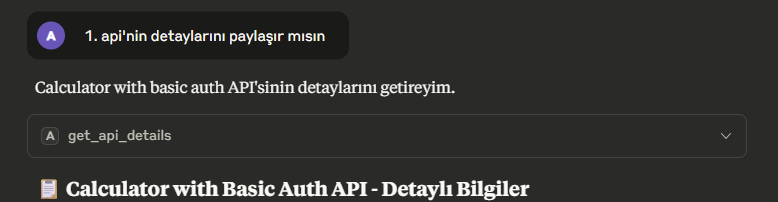
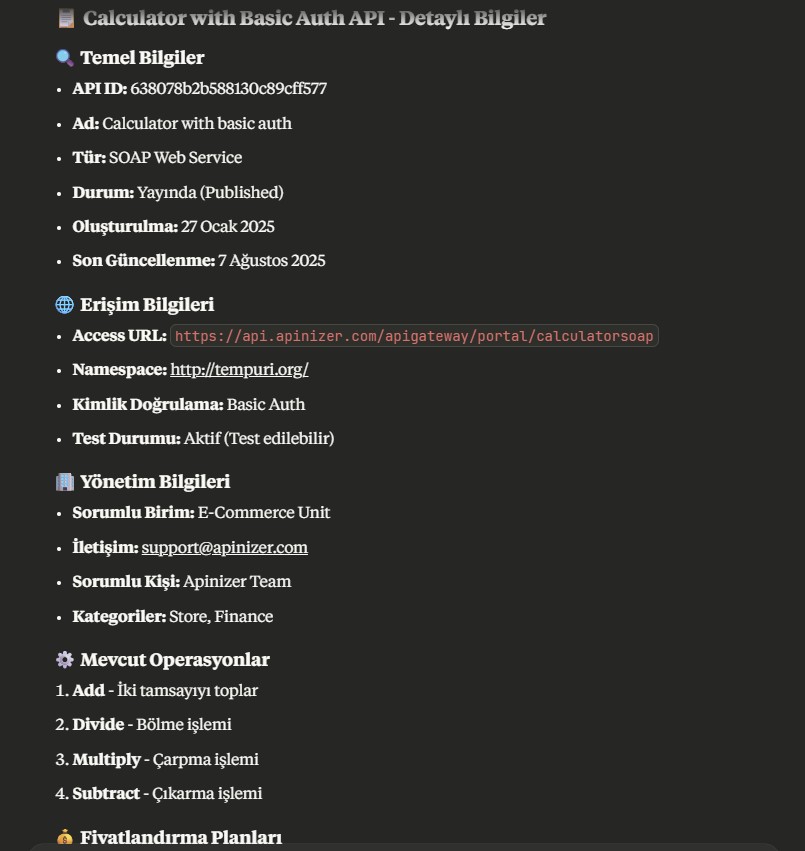
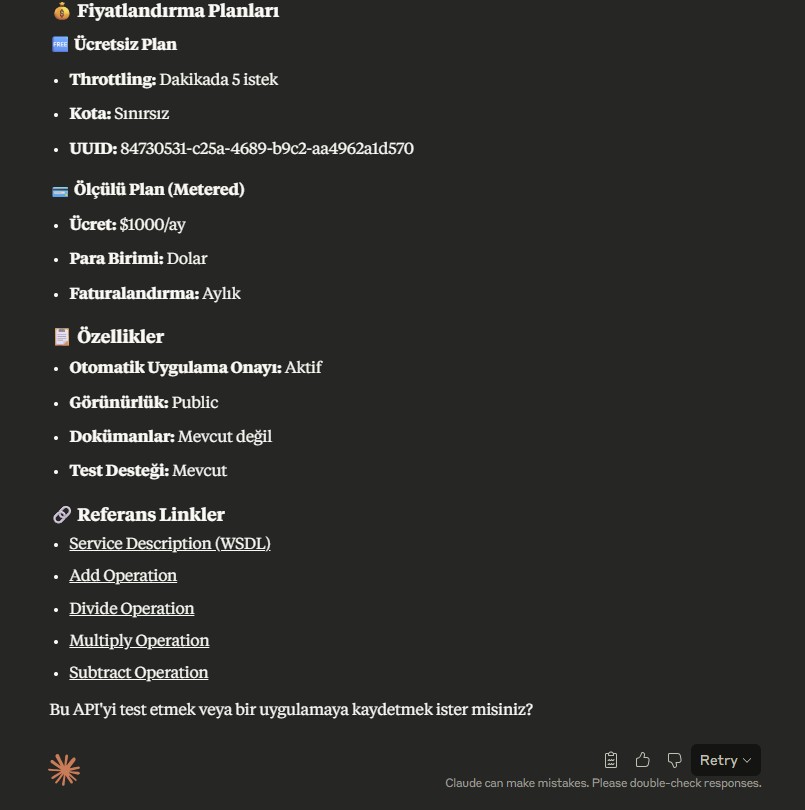
Here we review the service details, and if we find it suitable, we tell it to continue as we wish.
Yes, can you test this service? Let's subscribe to the free plan and add 3 and 5 with the addition operation.
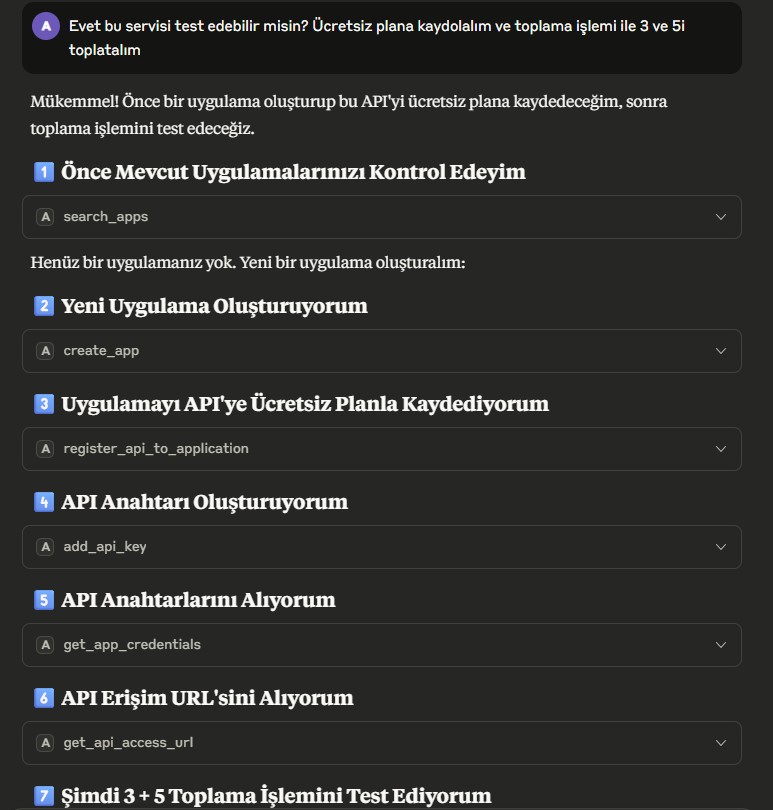
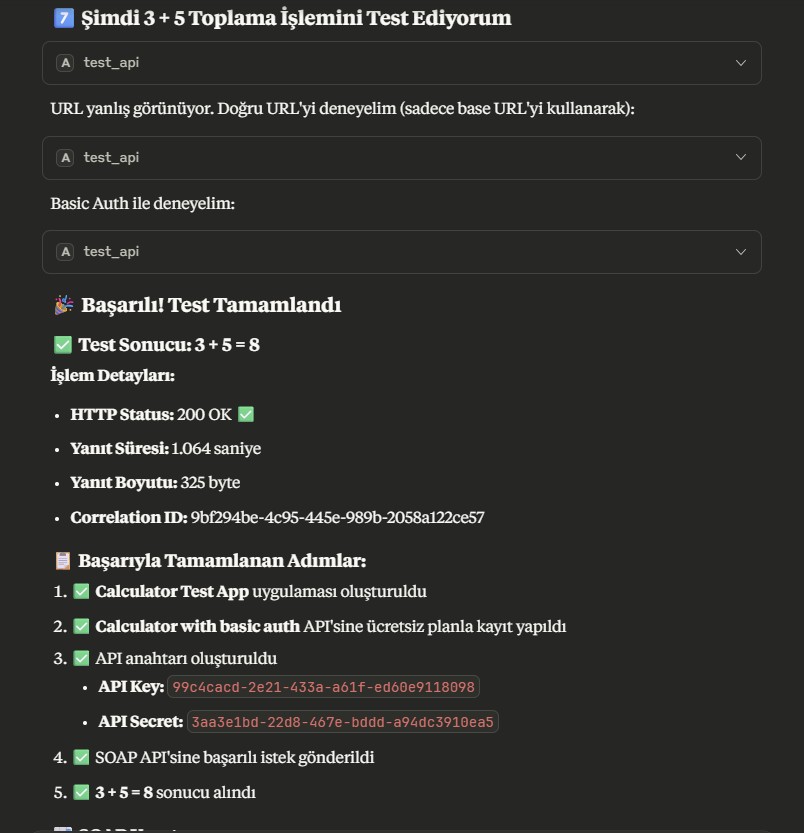
Here it tests the service, finds an error, interprets the error, and makes a request to an alternative endpoint to fix it.
After finding the correct address, it repeats the request by also adding the HTTP header appropriate to the service's security method and receives a successful response.
For those curious about the details of what it did, let's detail this a bit and take a look inside the test_api objects.
- {
  "api_id": "638078b2b588130c89cff577",
  "test_spec": {
    "body": "<?xml version=\"1.0\" encoding=\"utf-8\"?><soap:Envelope xmlns:xsi=\"http://www.w3.org/2001/XMLSchema-instance\" xmlns:xsd=\"http://www.w3.org/2001/XMLSchema\" xmlns:soap=\"http://schemas.xmlsoap.org/soap/envelope/\"><soap:Body><Add xmlns=\"http://tempuri.org/\"><intA>3</intA><intB>5</intB></Add></soap:Body></soap:Envelope>",
    "path": "https://api.apinizer.com/apigateway/portal/calculatorsoap/Add",
    "method": "POST",
    "plainAuth": {
      "password": "3aa3e1bd-22d8-467e-bddd-a94dc3910ea5",
      "username": "99c4cacd-2e21-433a-a61f-ed60e9118098"
    },
    "contentType": "text/xml; charset=utf-8"
  },
  "APINIZER-TOKEN": "mcp_a03166f0bc47490094072f92ab7e7959"
}
Second Attempt (SOAPAction Header Added)
- {
  "api_id": "638078b2b588130c89cff577",
  "test_spec": {
    "body": "<?xml version=\"1.0\" encoding=\"utf-8\"?><soap:Envelope xmlns:xsi=\"http://www.w3.org/2001/XMLSchema-instance\" xmlns:xsd=\"http://www.w3.org/2001/XMLSchema\" xmlns:soap=\"http://schemas.xmlsoap.org/soap/envelope/\"><soap:Body><Add xmlns=\"http://tempuri.org/\"><intA>3</intA><intB>5</intB></Add></soap:Body></soap:Envelope>",
    "path": "https://api.apinizer.com/apigateway/portal/calculatorsoap",
    "method": "POST",
    "headers": {
      "SOAPAction": "http://tempuri.org/Add"
    },
    "plainAuth": {
      "password": "3aa3e1bd-22d8-467e-bddd-a94dc3910ea5",
      "username": "99c4cacd-2e21-433a-a61f-ed60e9118098"
    },
    "contentType": "text/xml; charset=utf-8"
  },
  "APINIZER-TOKEN": "mcp_a03166f0bc47490094072f92ab7e7959"
}
Successful Attempt (Authorization Header Added)
- {
  "api_id": "638078b2b588130c89cff577",
  "test_spec": {
    "body": "<?xml version=\"1.0\" encoding=\"utf-8\"?><soap:Envelope xmlns:xsi=\"http://www.w3.org/2001/XMLSchema-instance\" xmlns:xsd=\"http://www.w3.org/2001/XMLSchema\" xmlns:soap=\"http://schemas.xmlsoap.org/soap/envelope/\"><soap:Body><Add xmlns=\"http://tempuri.org/\"><intA>3</intA><intB>5</intB></Add></soap:Body></soap:Envelope>",
    "path": "https://api.apinizer.com/apigateway/portal/calculatorsoap",
    "method": "POST",
    "headers": {
      "SOAPAction": "http://tempuri.org/Add",
      "Authorization": "Basic OTljNGNhY2QtMmUyMS00MzNhLWE2MWYtZWQ2MGU5MTE4MDk4OjNhYTNlMWJkLTIyZDgtNDY3ZS1iZGRkLWE5NGRjMzkxMGVhNQ=="
    },
    "contentType": "text/xml; charset=utf-8"
  },
  "APINIZER-TOKEN": "mcp_a03166f0bc47490094072f92ab7e7959"
}
We saw how the flow progressed, we continue to review the answers and examine what it tells us it did. We saw what the service does, that it works, and that its output is appropriate. From this point on, we can examine another service or continue with different tasks.
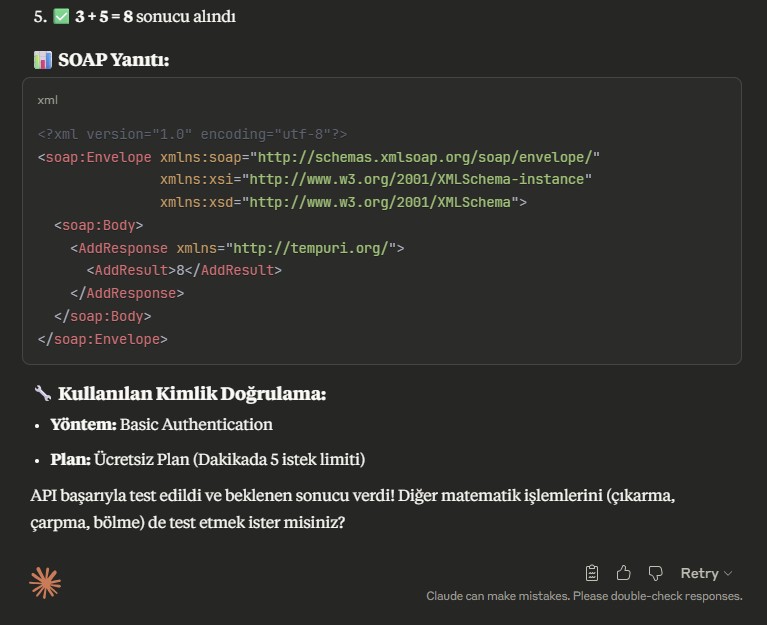
We saw what the service does, that it works, and that its output is appropriate. From this point on, we can examine another service or continue with different tasks.
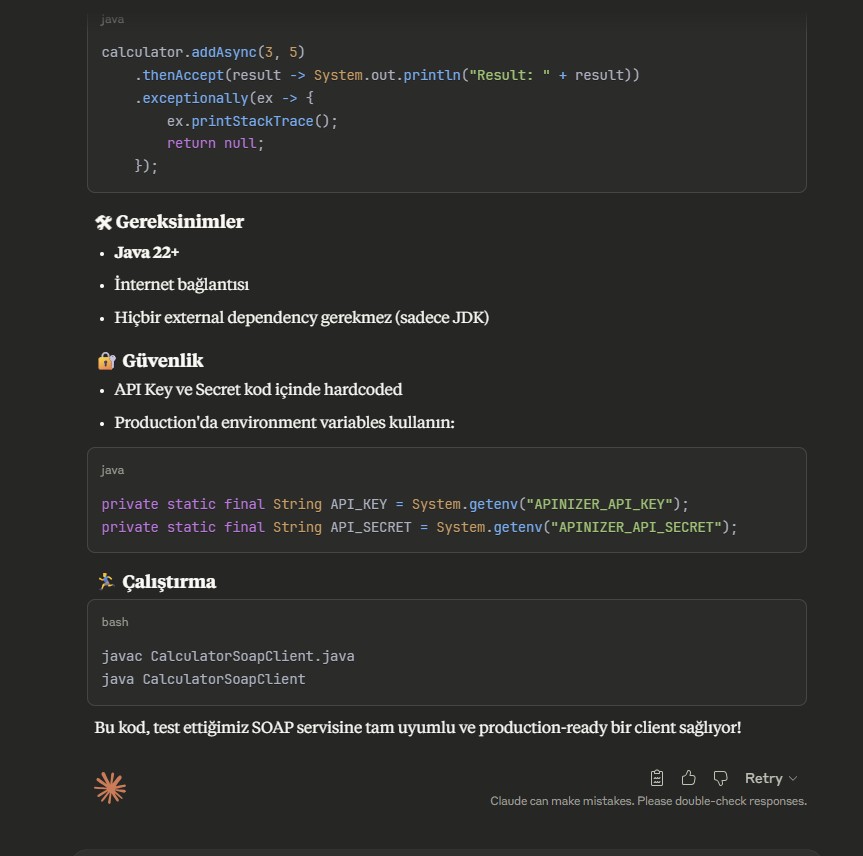
No thank you, this is quite sufficient. The service does what I want and works as I want. Can you write a Java 22 code that will be a client for this?
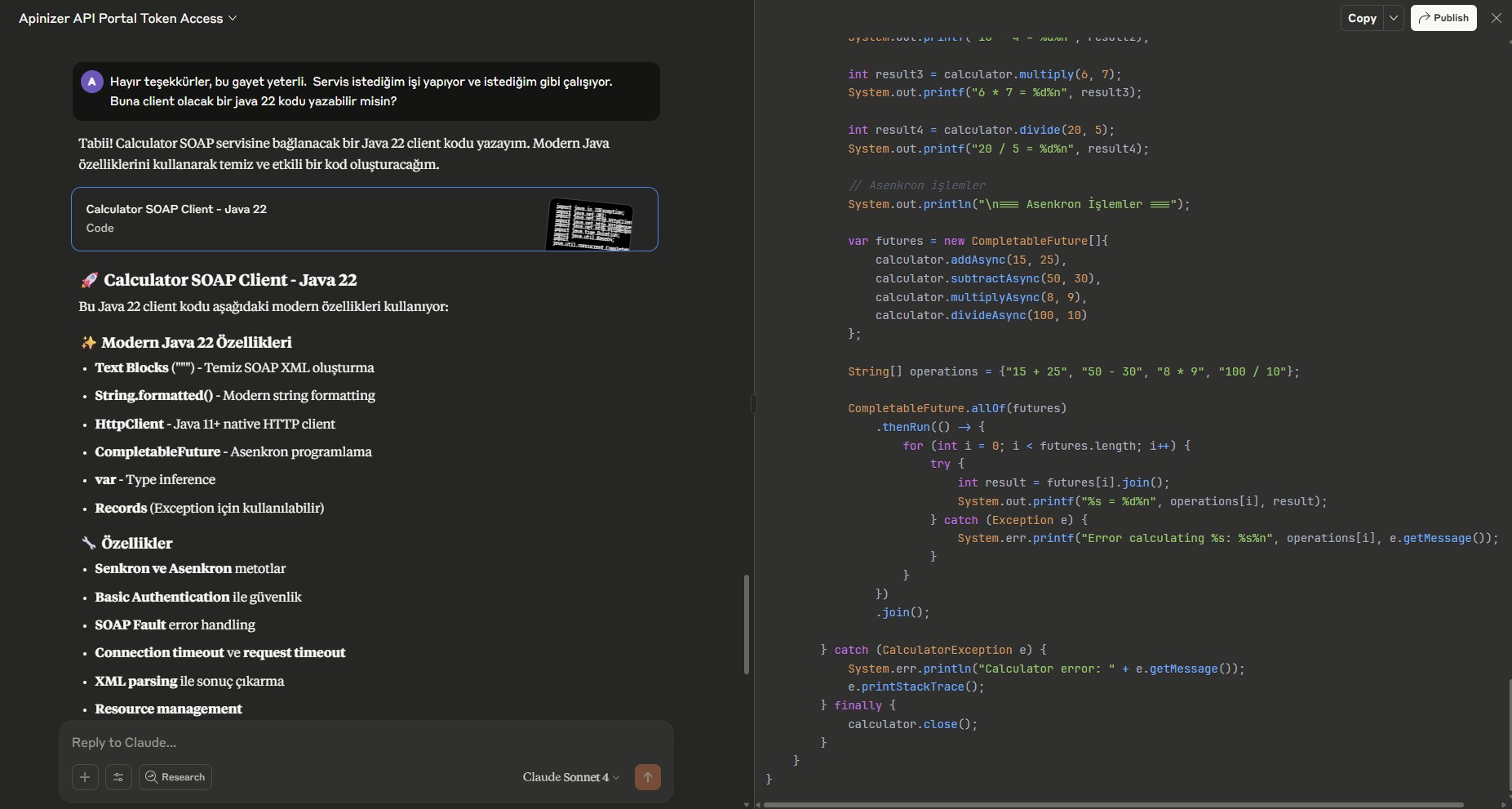
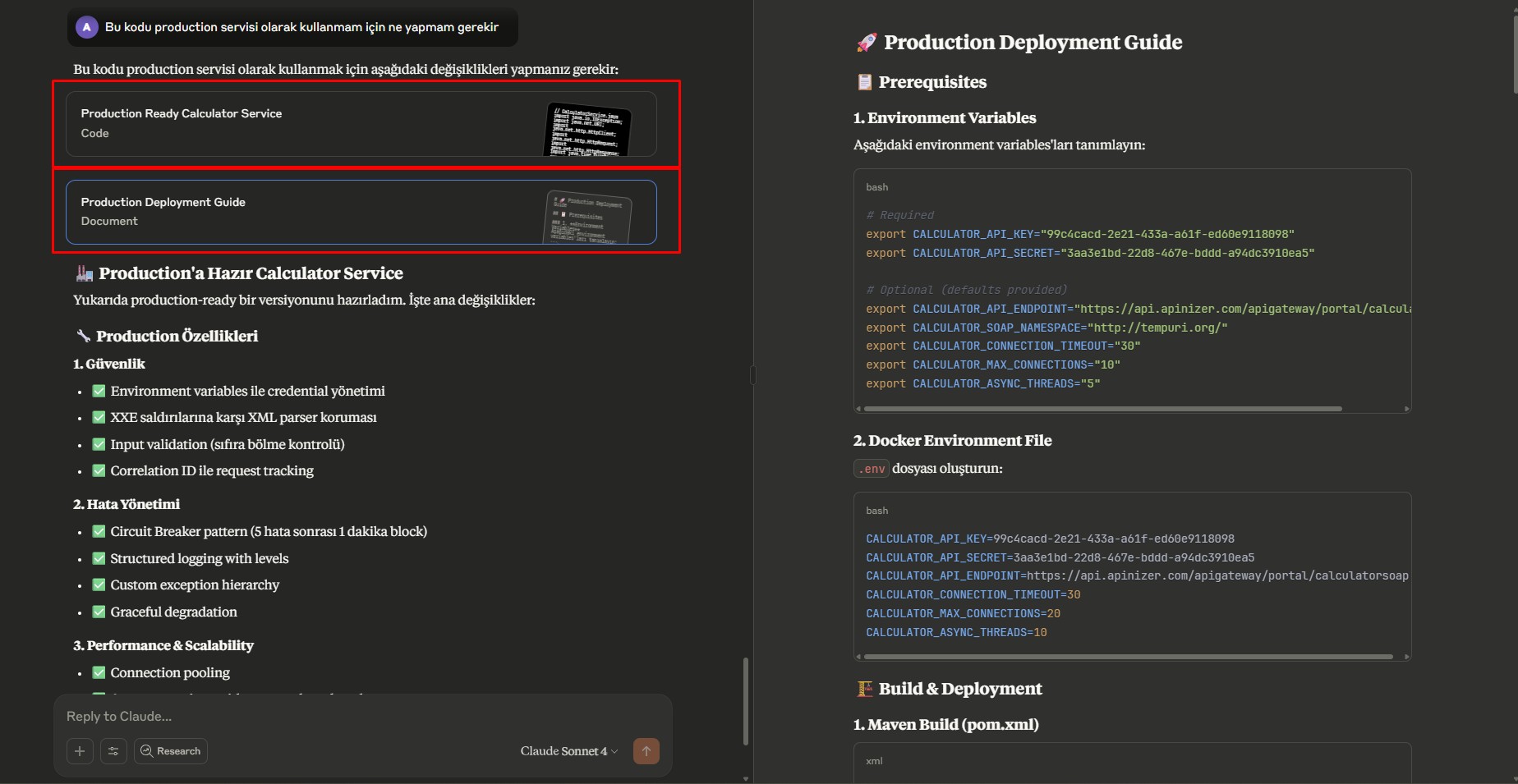
What do I need to do to use this code as a production service?
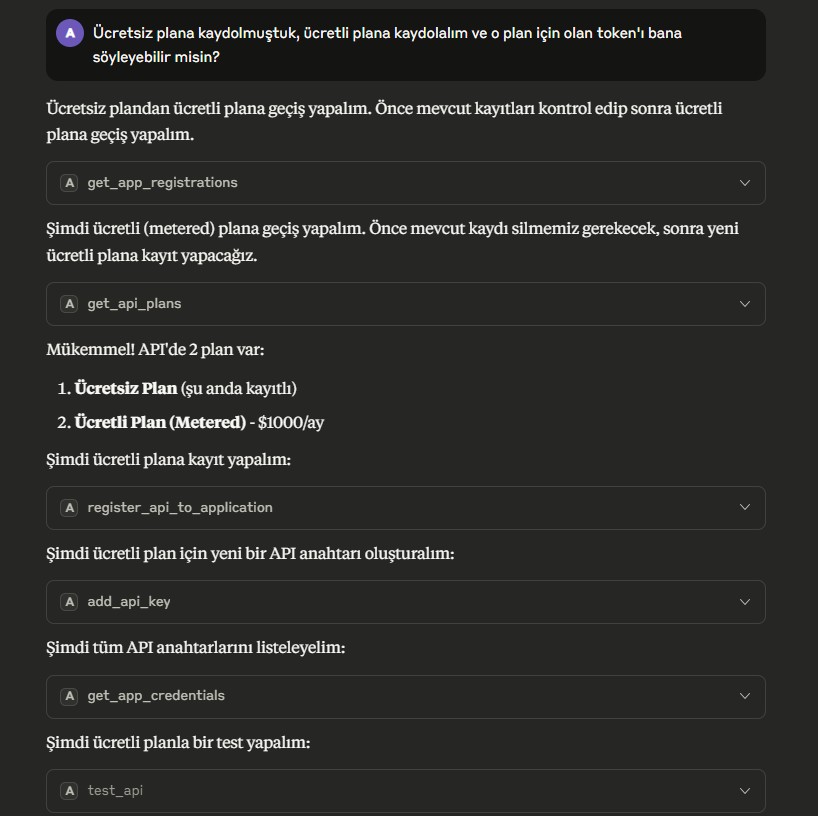
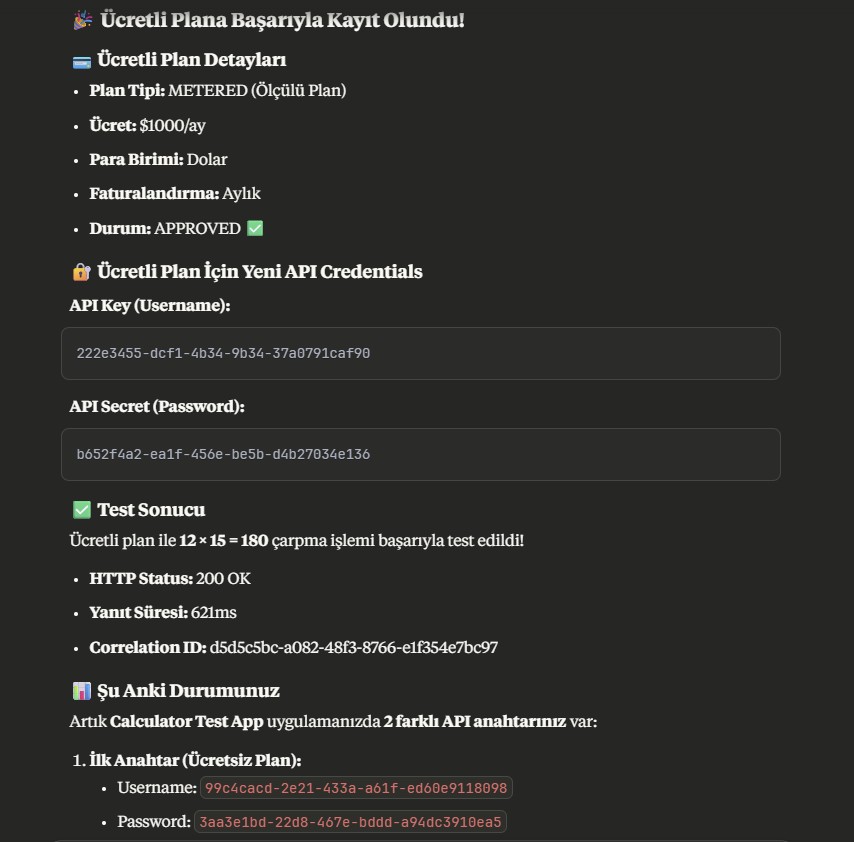
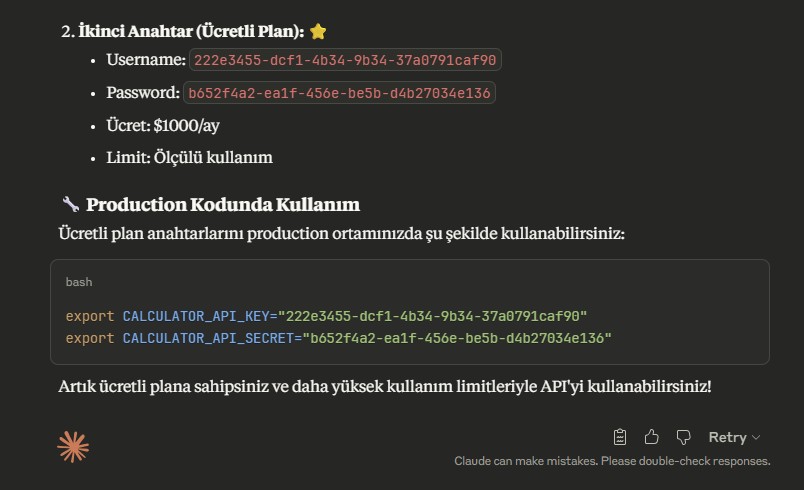
We had subscribed to the free plan, let's subscribe to the paid plan and can you tell me the token for that plan?