Support Package Content
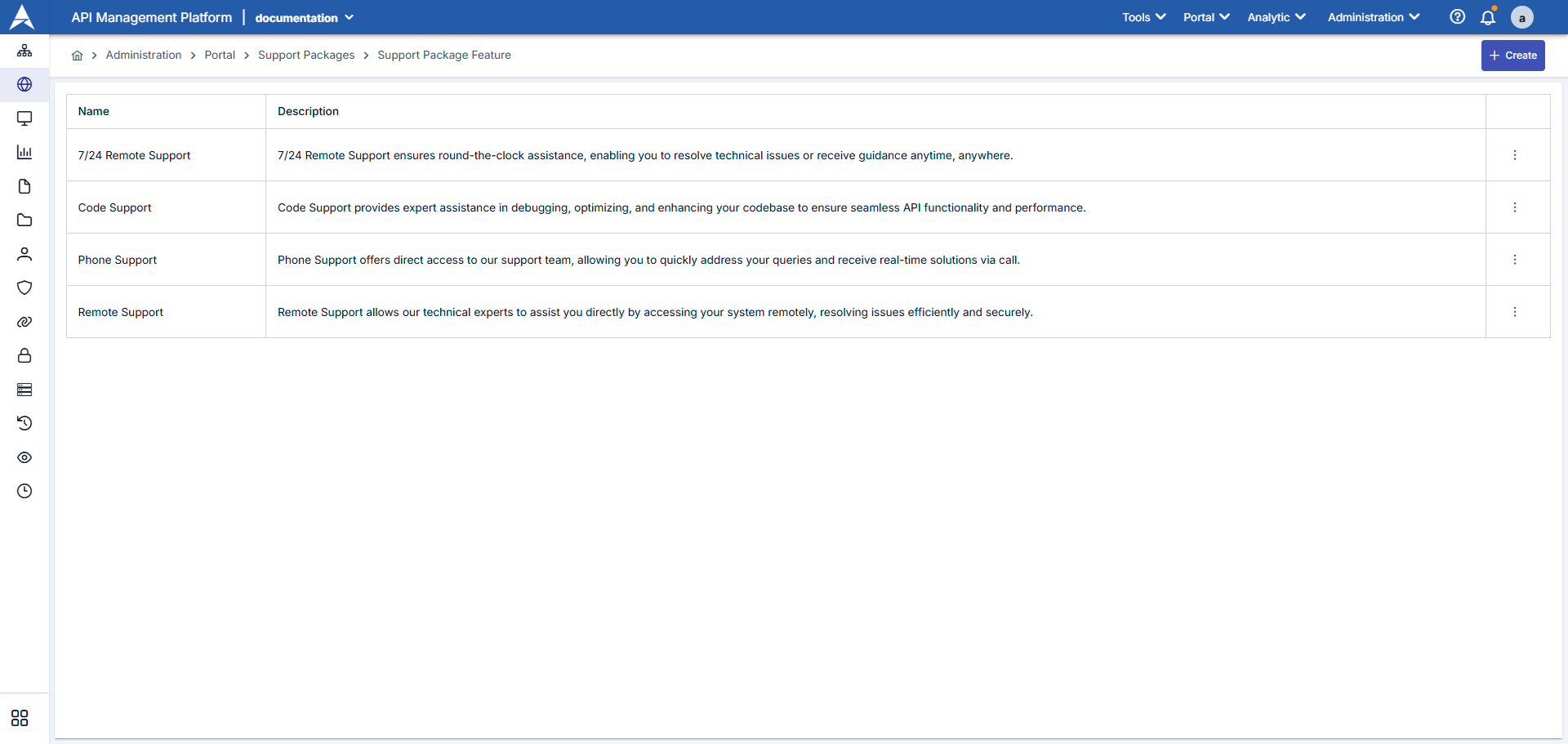
When a new feature is desired to be created, it is created with "+New".
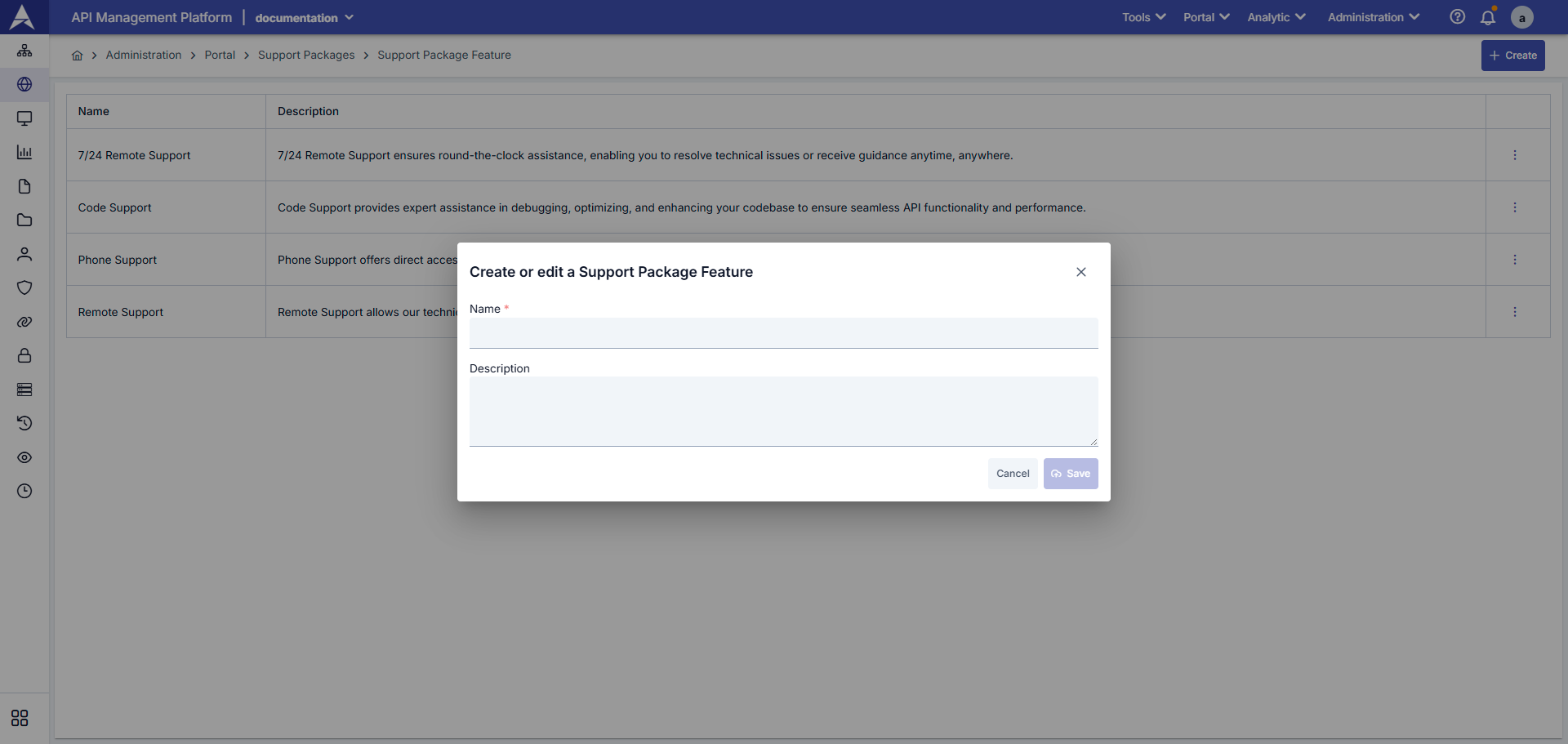
| Field | Description / Operation |
|---|---|
| Name | Name of the feature. Should be short and descriptive. |
| Description | - Detailed description of the feature - Explains what this service provides to users Example: "Email Support provides support via email with response times within 24 hours." |
Info
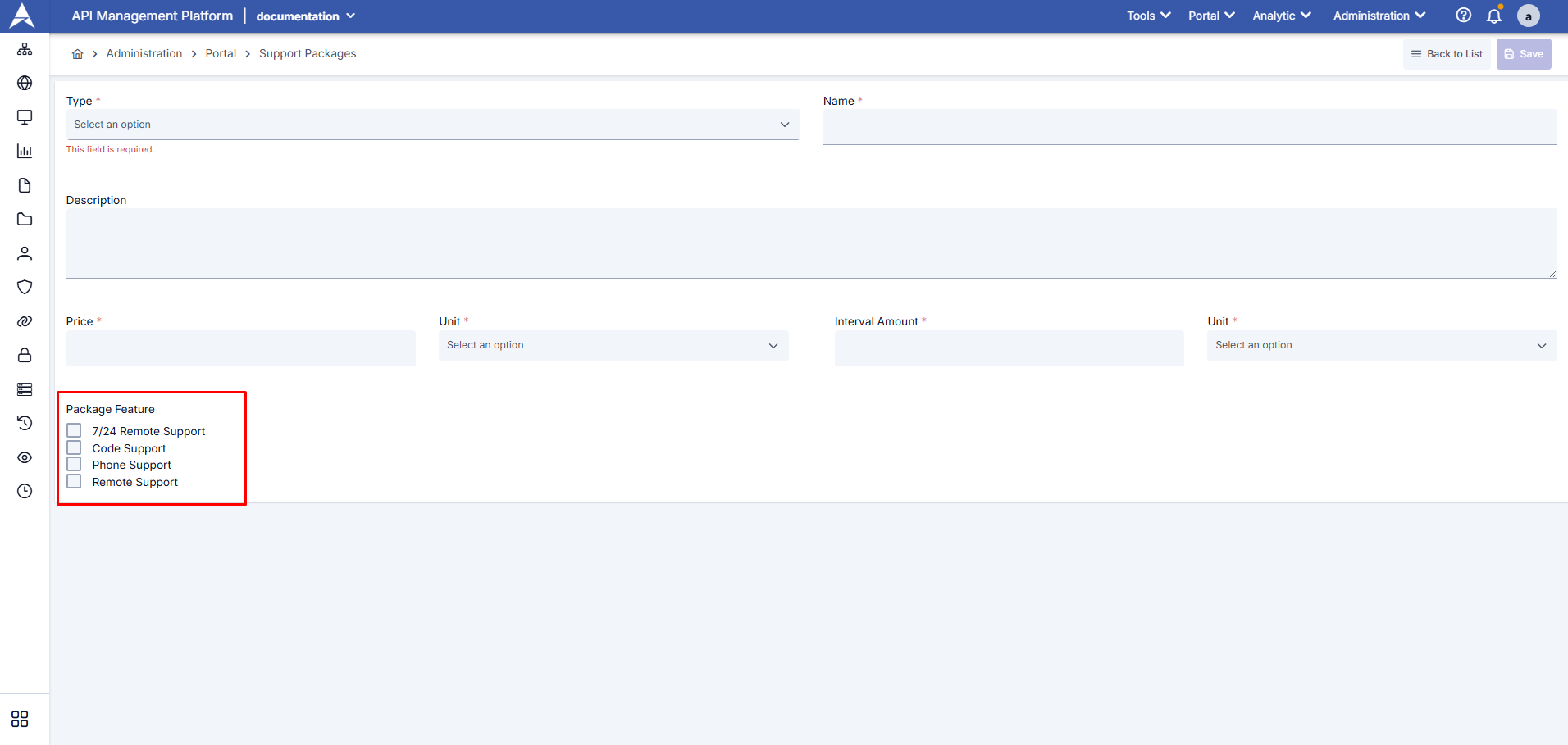
Features defined on the Support Package Content page (24/7 Support, Code Support, Phone Support, etc.) are presented as a selection list in the "Support Packages" section when creating a new support package. You can customize your package by selecting multiple features according to your needs. You can review the Support Packages document for the usage of the Support Packages page.
Defined contents are listed on the Support Packages page and one or more contents can be added to created support packages. A sample screenshot is shown below.