JSON Transformer
JSON Transformer enables transformation of JSON data using Jolt expressions with JSON to JSON.
Information about how the transformation occurs can be learned with JOLT examples in the Examples section.
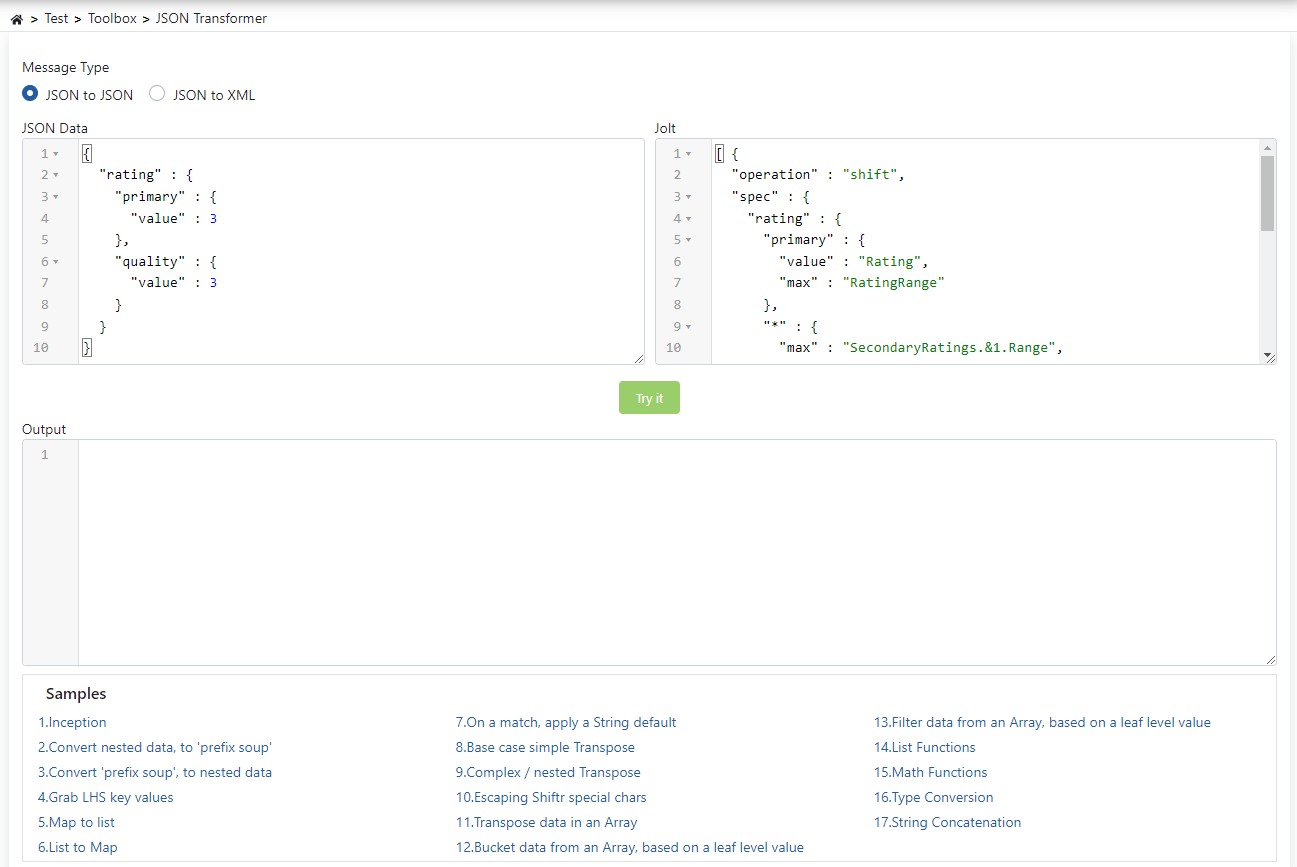
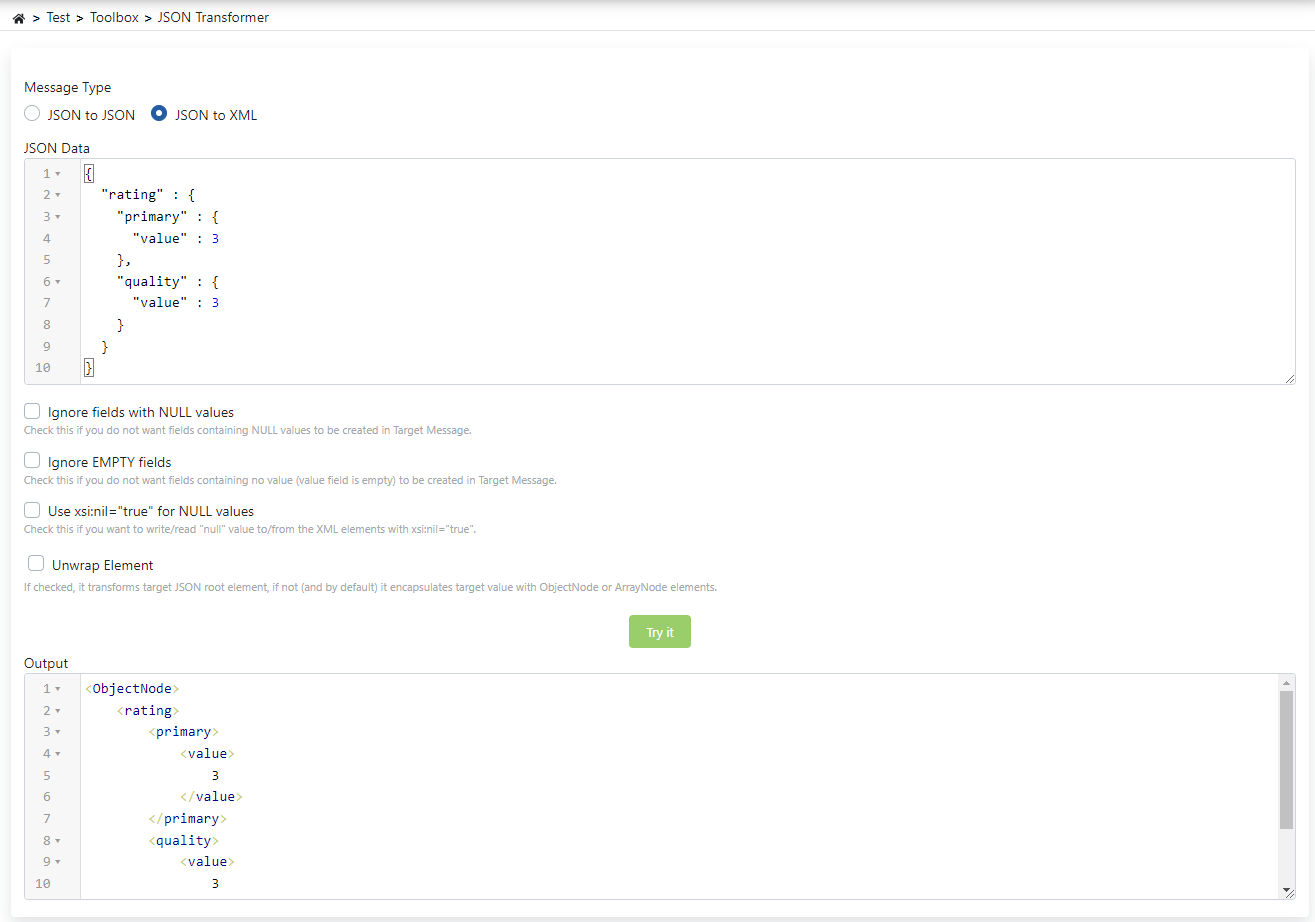
The fields used for JSON to XML configuration are shown in the table below.
| Field | Description |
|---|---|
| Ignore fields with NULL values (Ignore fields with NULL values) | Checked so that elements with NULL values are not placed in the JSON message. |
| Ignore EMPTY fields (Ignore EMPTY fields) | Checked so that elements with empty values are not placed in the JSON message. |
| Use xsi:nil="true" for NULL values (Use xsi:nil="true" for NULL values) | If checked, the xsi:nil="true" attribute is used for NULL values in the JSON message coming in the request in the XML message to be sent to the Backend API. Otherwise, an empty element is added to the XML message for the relevant value. |
| Unwrap Element (Unwrap Element) | If checked, it converts the JSON root element as is, if not checked (by default) it wraps it with an ObjectNode or ArrayNode element. |