XML Transformer
Information about how data transformation occurs can be learned with XSLT examples in the Examples section.
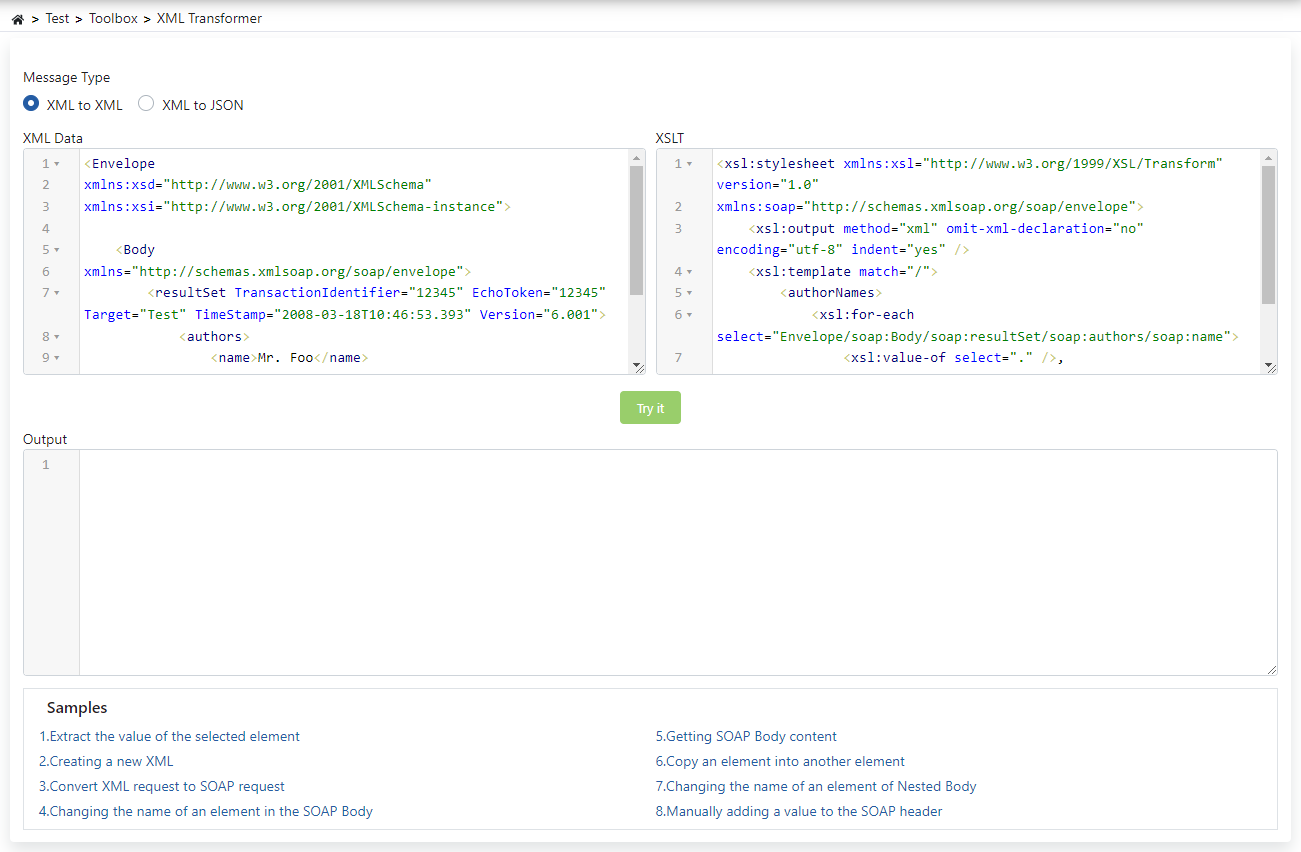
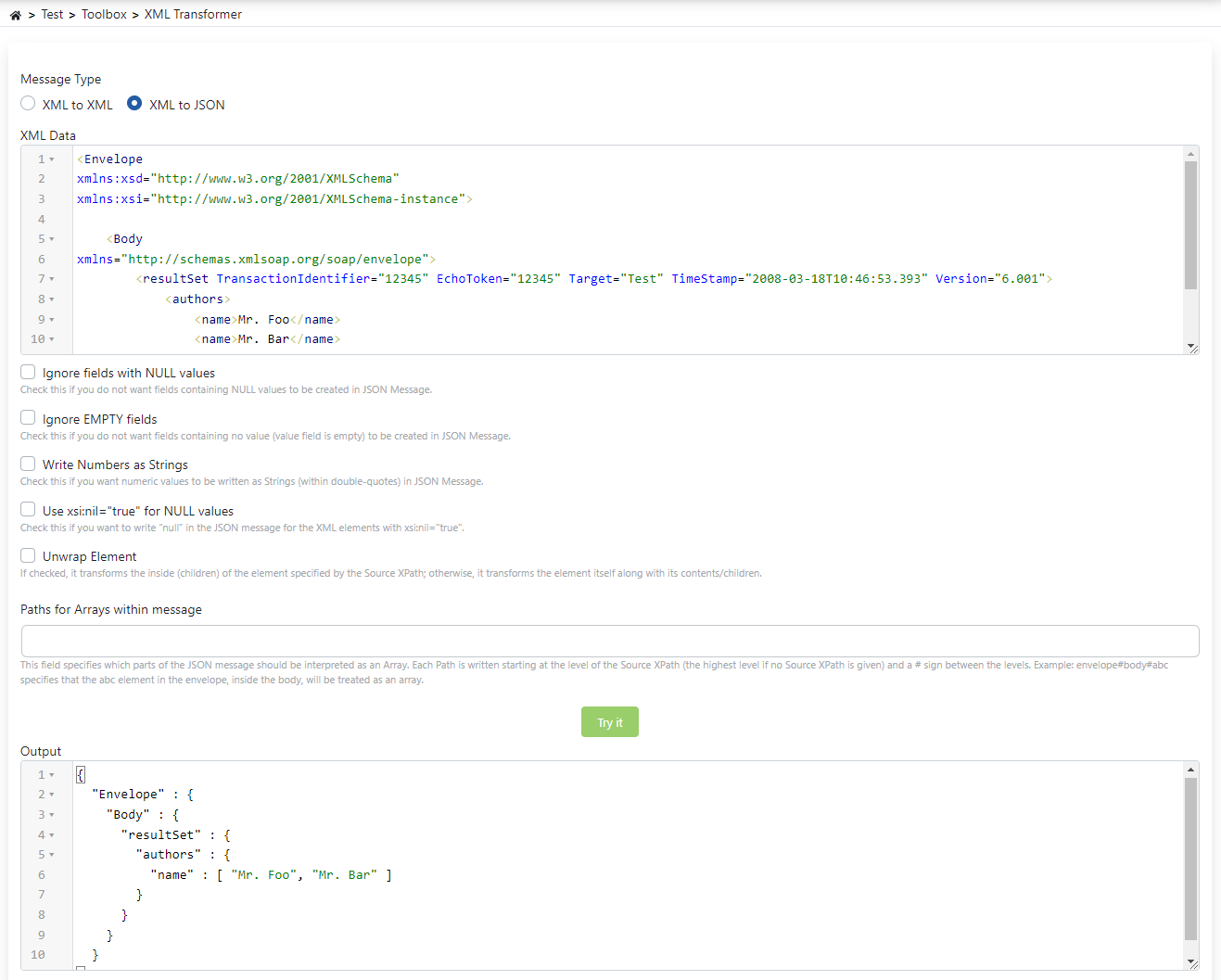
The fields used for XML to JSON configuration are shown in the table below.
| Field | Description |
|---|---|
| Ignore fields with NULL values (Ignore fields with NULL values) | Checked so that elements with NULL values are not placed in the JSON message. |
| Ignore EMPTY fields (Ignore EMPTY fields) | Checked so that elements with empty values are not placed in the JSON message. |
| Write Numbers as Strings (Write Numbers as Strings) | Checked so that elements containing numeric values are written as String in the JSON message. |
| Use xsi:nil="true" for NULL values (Use xsi:nil="true" for NULL values) | Checked to use "null" in the JSON message for XML elements with xsi:nil="true" value. |
| Unwrap Element (Unwrap Element) | If checked, it converts the inside (children) of the element given with Source XPath, if not checked, it converts the element itself (with its contents/children). |
| Paths for Arrays within message (Paths for Arrays within message) | Specifies which parts should be interpreted as Array in the JSON message. Each Path is written starting from the level of Source XPath (or from the top level if Source XPath is not given) and placing # between levels. Example: The expression envelope#body#abc indicates that the abc element inside body inside envelope will be processed as an array. |