XPath Test
Information about how data access occurs can be learned with XPath Test examples in the Examples section.
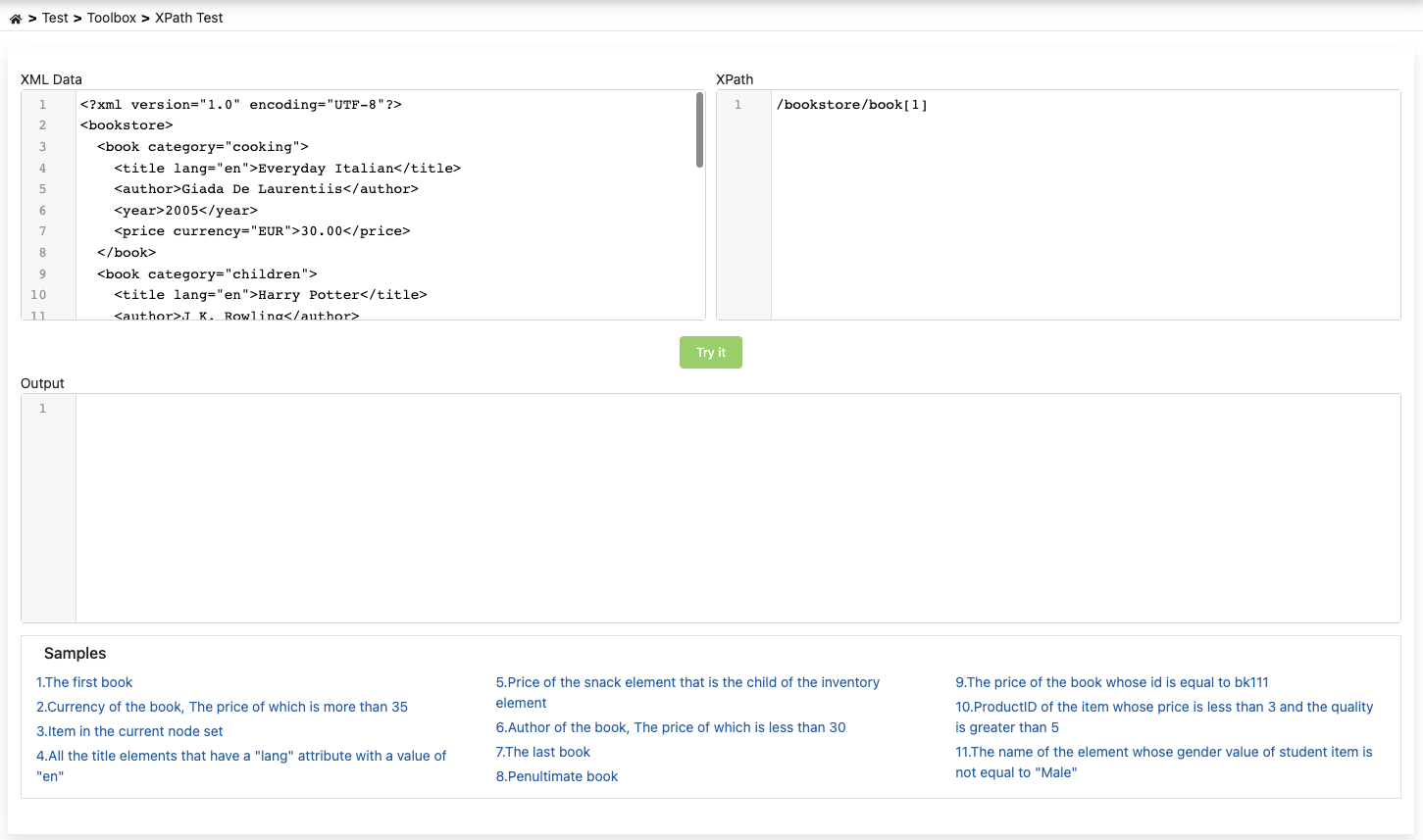
XPath Working Logic
XPath's working logic is normally based on accessing XML elements. It works this way in XML Transformation, Content Filter, Encryption and Signature policy screens.
Warning
Apinizer has made customization to facilitate XPATH usage in policies other than variable definition and XML Transformation, Content Filter, Encryption and Signature.
This customization is as follows:
Warning
While normally the text value of an element can be obtained by adding the text() function to the end of the XPath path, in Apinizer the text value of XPath is obtained by default.
An example XML data is below.
<?xml version="1.0" encoding="UTF-8"?>
<bookstore>
  <book category="cooking">
    <title lang="en">Everyday Italian</title>
    <author>Giada De Laurentiis</author>
    <year>2005</year>
    <price currency="EUR">30.00</price>
  </book>
  <book category="children">
    <title lang="en">Harry Potter</title>
    <author>J K. Rowling</author>
    <year>2005</year>
    <price currency="EUR">29.99</price>
  </book>
</bookstore>
- The following XPath is executed on this data.
/bookstore/book[2]/title
- Normally, when XPath is executed with any compiler outside Apinizer, the following result is returned.
<title>Harry Potter</title>
- When executed in Apinizer XPath tool except for the specified policies, the following result is returned.
Harry Potter