TaskFlow Monitor
Dashboard Screen
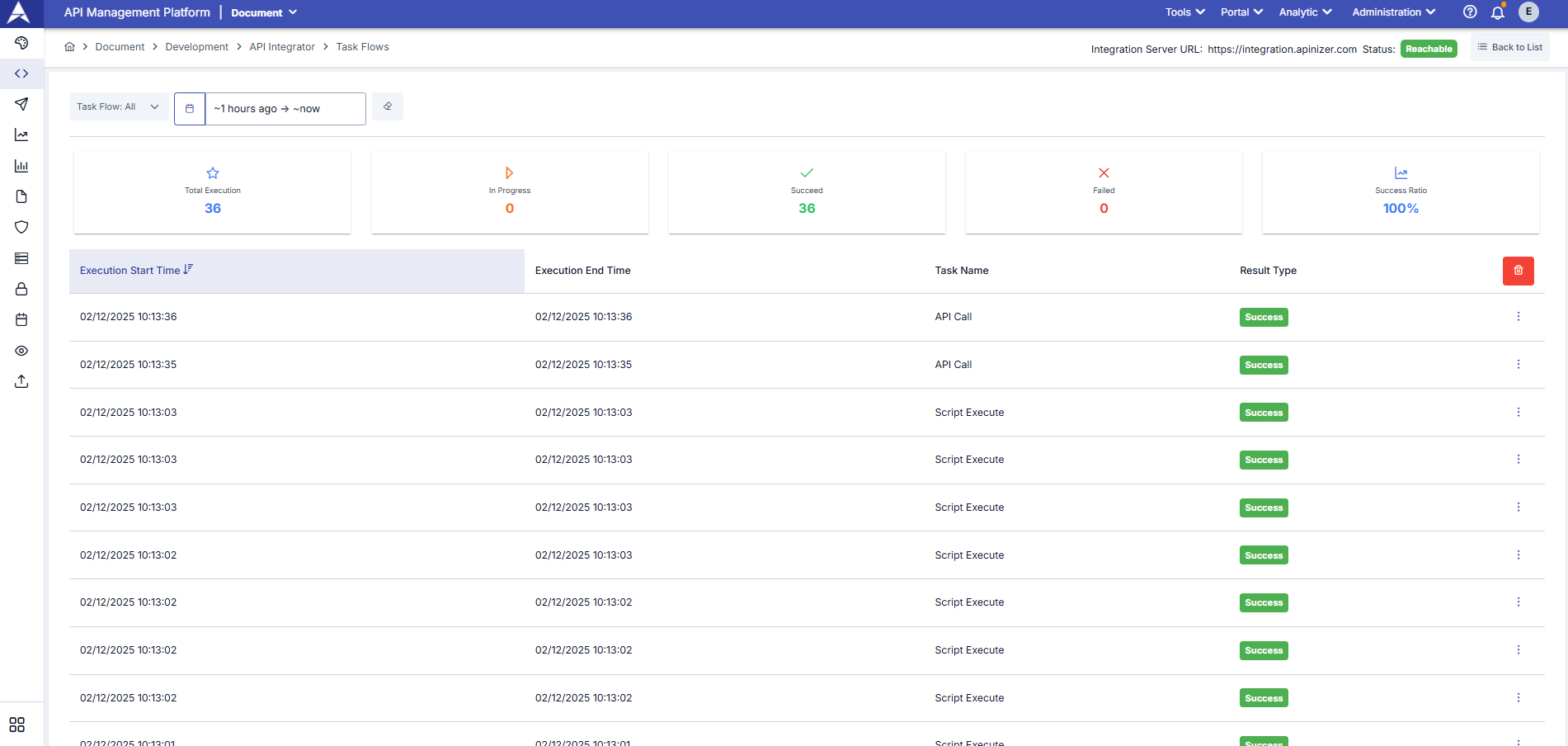
Log records of all flows can be accessed by applying filters through the TaskFlow Monitor dashboard screen.
Info
You can access log records of all flows by applying filters through the dashboard screen.
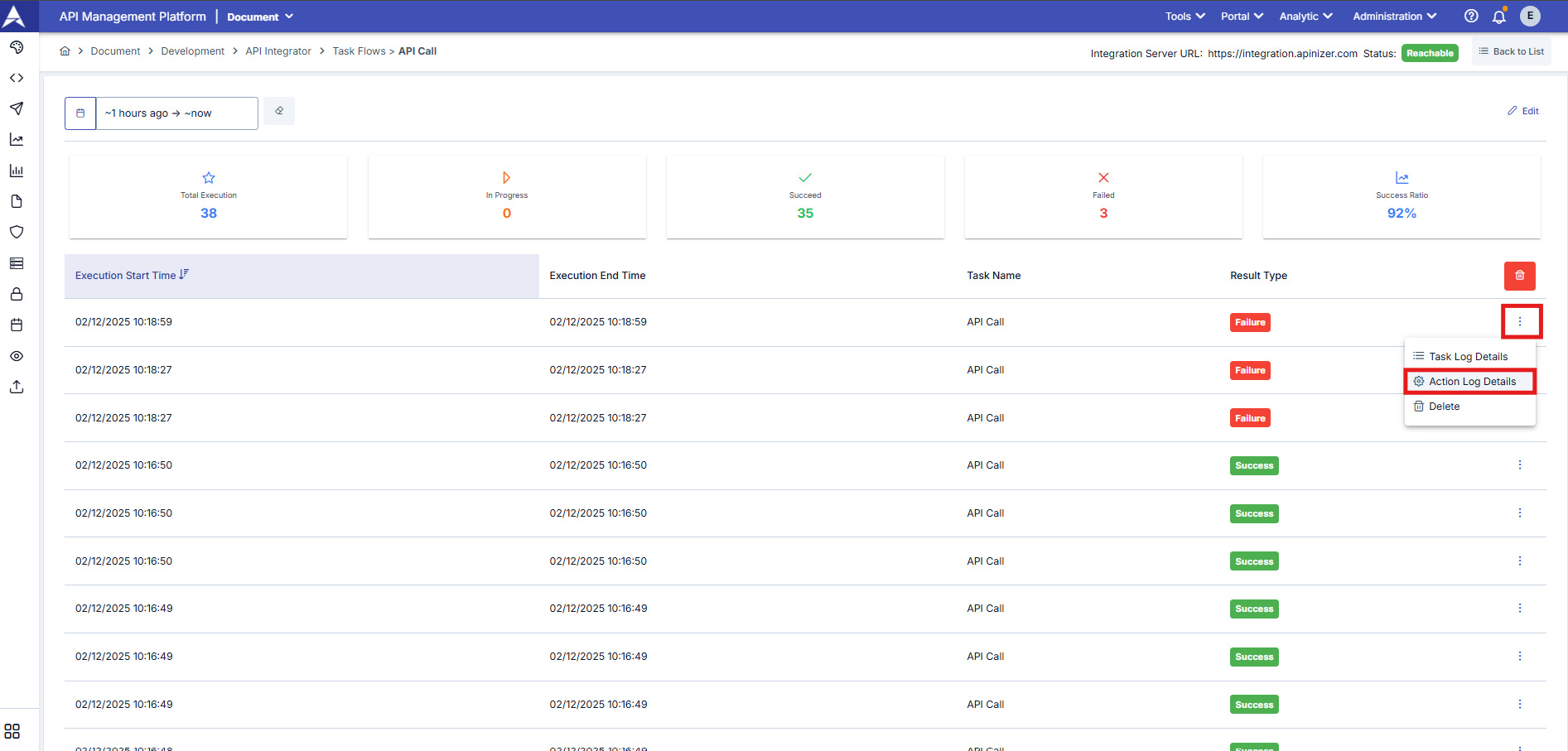
Button used to access task and action logs of the flow:
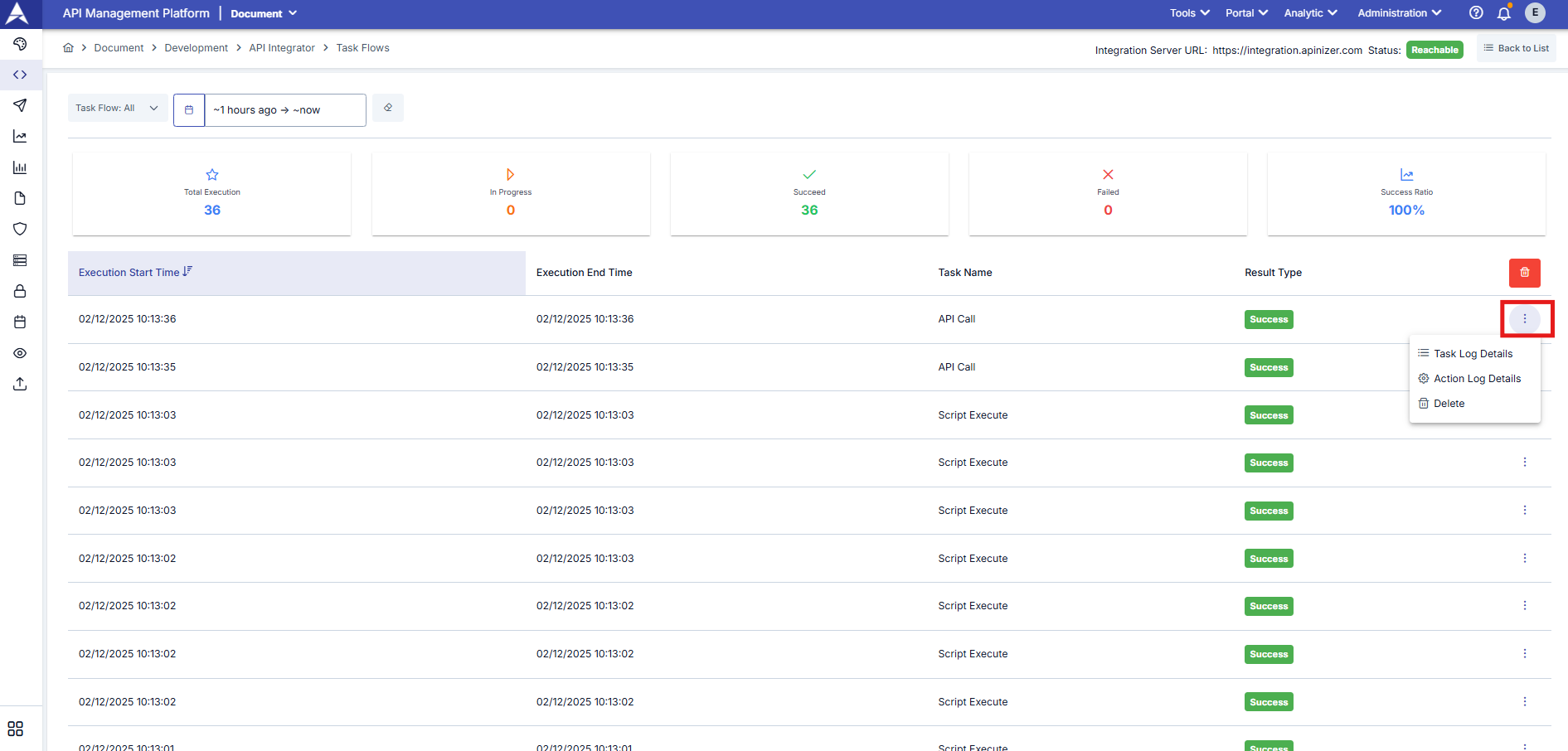
Viewing Task Log Details of Flow
Dialog containing log information of tasks executed in the flow:
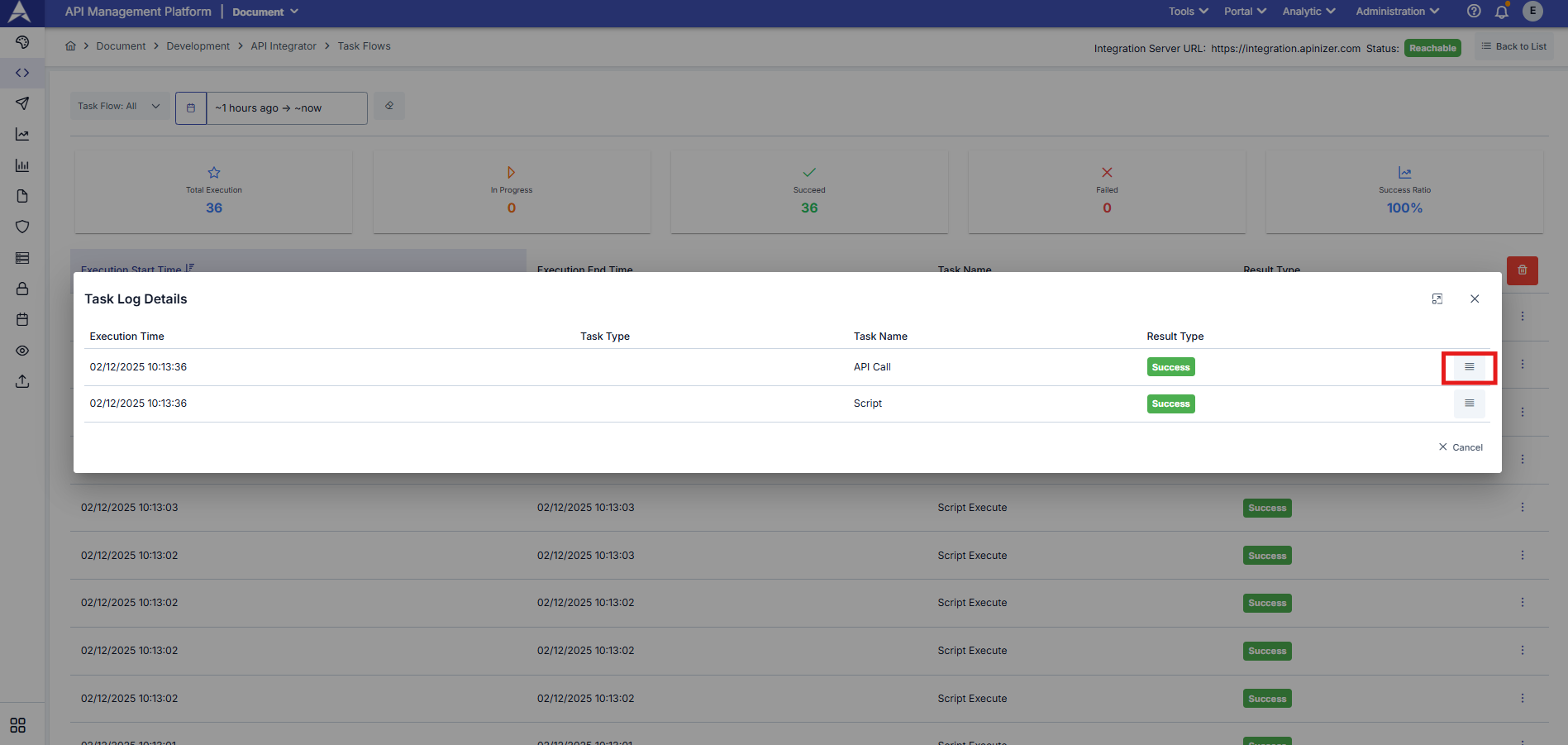
Viewing Task Log Detail
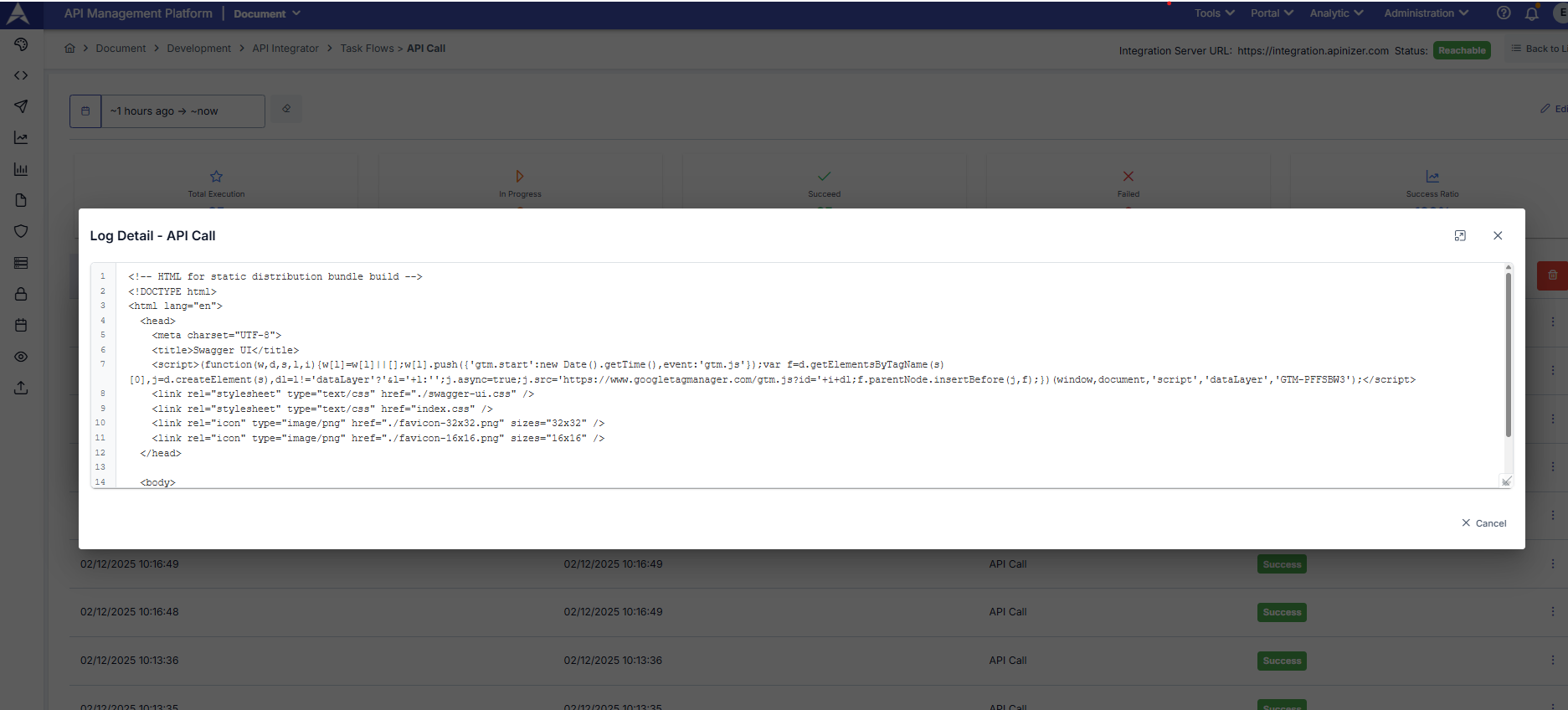
Dialog showing task log detail:
Note
Detailed information such as task execution duration, status, input and output information is displayed in the task log detail.
Viewing Action Log Details of Flow
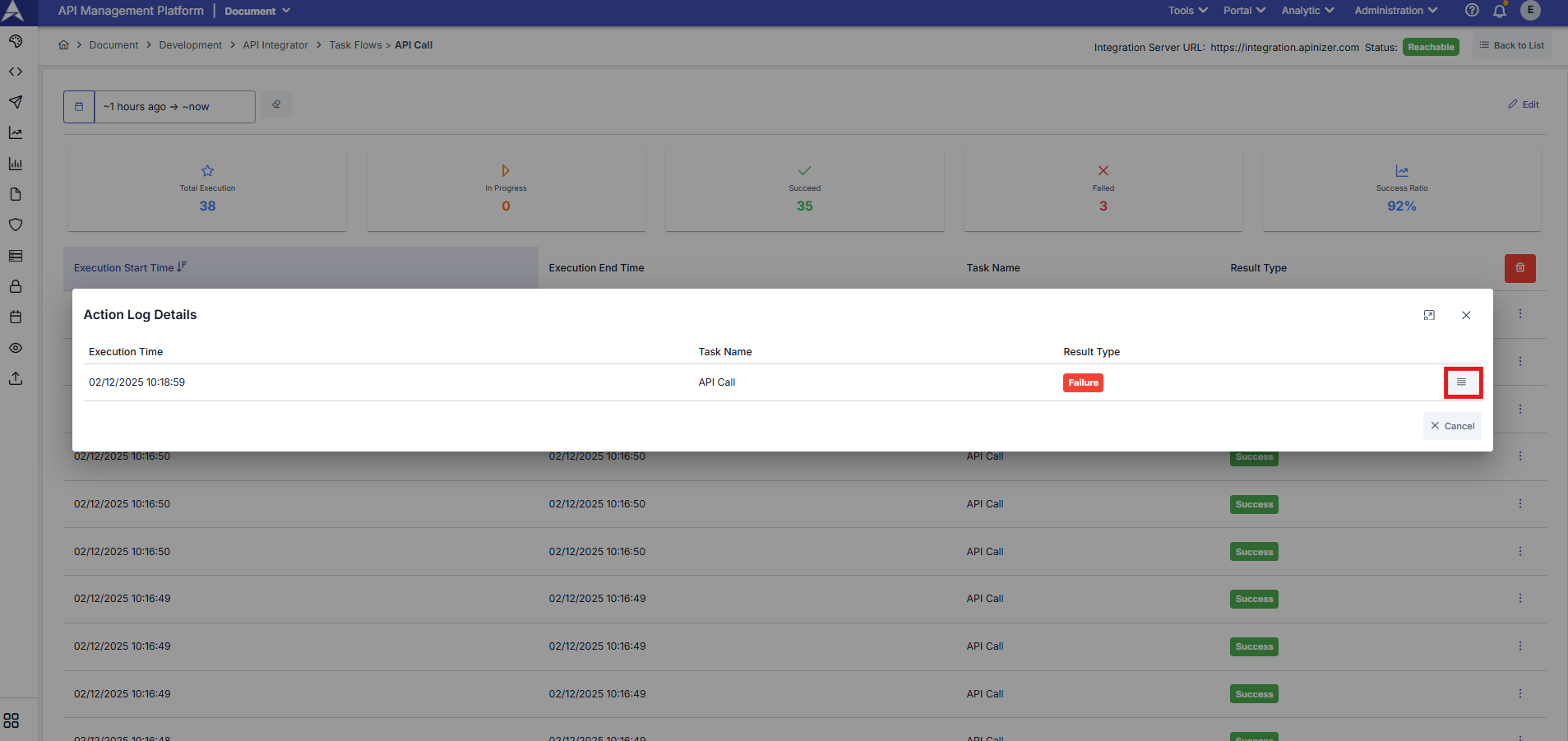
When the flow results in failure and there is a defined action, action execution history is logged. Dialog showing action execution history:
Viewing Action Log Detail
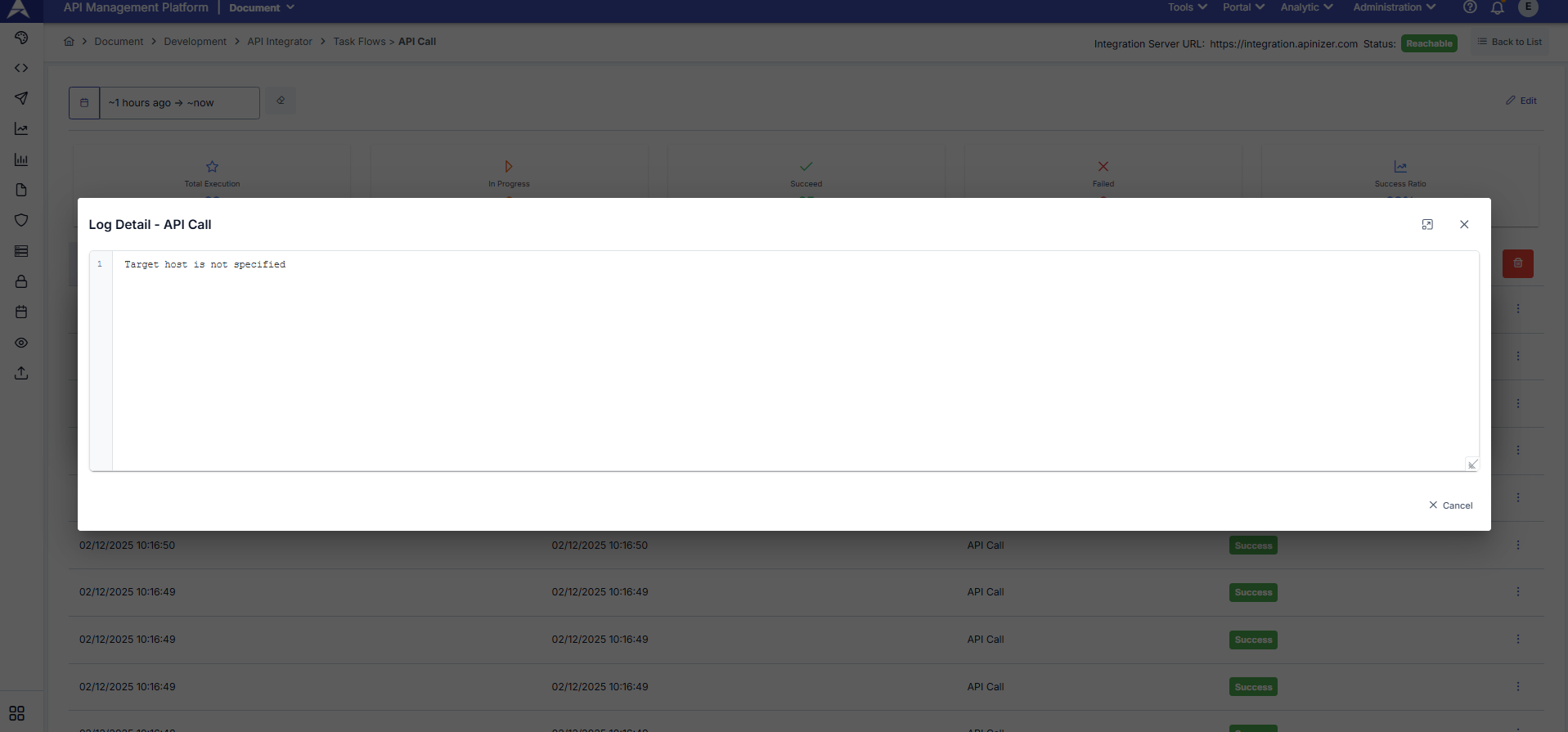
Dialog showing action log details:
Warning
Action logs are only displayed when the flow completes unsuccessfully and there is a defined action.