FTP List Connector
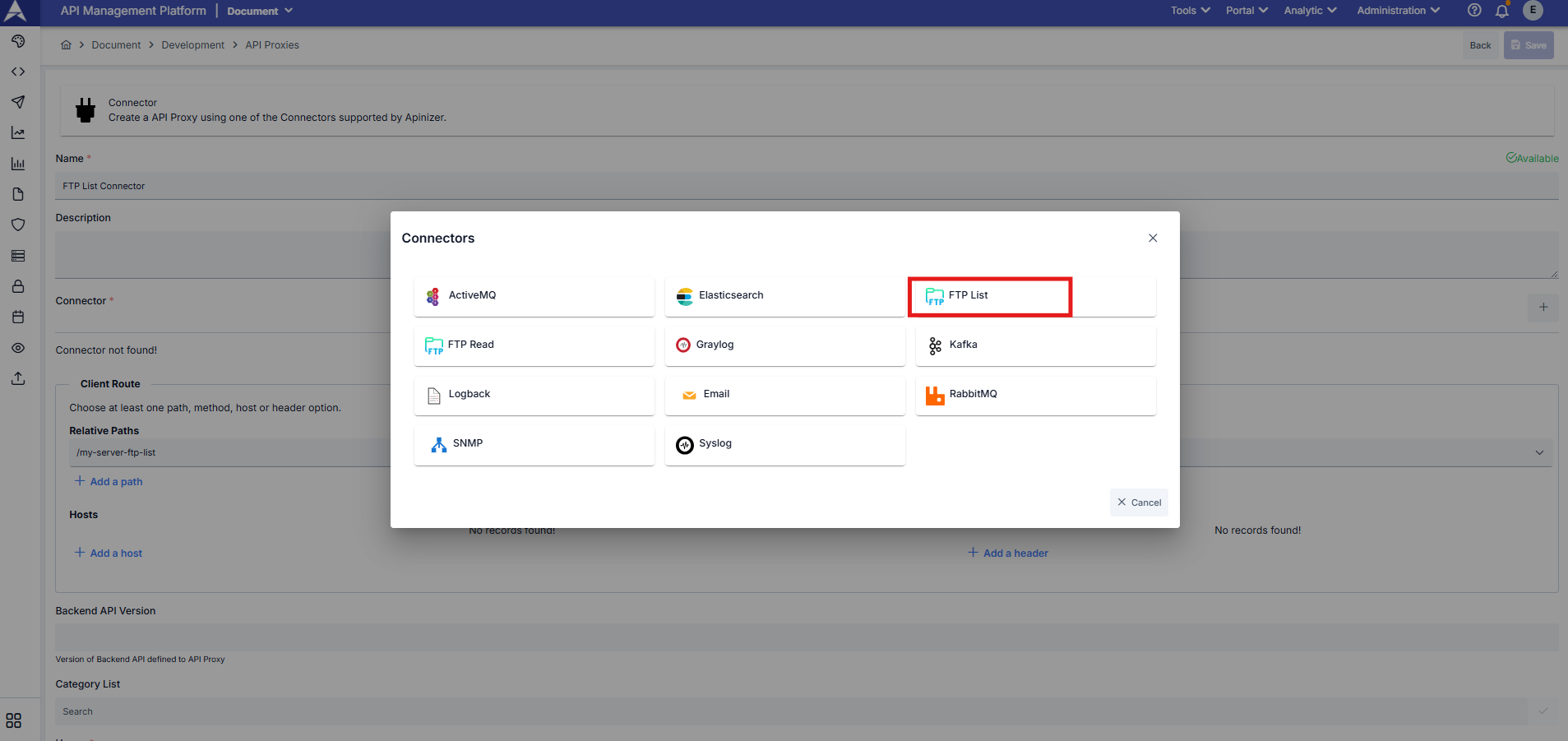
Usage
FTP List connector is used to list files and directories on FTP server. The created connector works as an API Proxy and can be triggered with either HTTP GET or POST request. When using POST request, you can apply advanced filtering criteria to search and filter files.
Basic Usage (GET Request)
You can retrieve all files in the directory with a simple GET request:
curl --location --request GET "https://<APINIZER_ACCESS_URL>/<RELATIVE_PATH>"
Advanced Usage (POST Request)
You can apply filtering criteria by sending request body with POST request:
curl --location --request POST "https://<APINIZER_ACCESS_URL>/<RELATIVE_PATH>" \
  -H "Content-Type: application/json" \
  --data-raw '{"searchType": "WILDCARD", "searchPattern": "*.json", "caseInsensitive": true}'
When request body is sent empty or GET request is made, all files in the directory are listed with default values.
Request Body Parameters
File Search Settings
Type: string
Default Value: STARTS_WITH
Description: Specifies how file names will be searched. Available options:
- STARTS_WITH: Checks if file name starts with the given pattern
- EXACT_MATCH: Checks for exact match with the given file name
- CONTAINS: Checks if file name contains the given pattern
- ENDS_WITH: Checks if file name ends with the given pattern
- WILDCARD: Uses wildcard pattern matching (* matches any sequence, ? matches single character)
Type: string
Default Value: (empty - lists all files)
Description: File name or pattern to search for. Usage depends on searchType:
- For WILDCARD:
*.json,file?.txt,report_*.pdf - For ENDS_WITH:
.json,.pdf - For STARTS_WITH:
invoice_,report - For CONTAINS:
2025,data - For EXACT_MATCH:
report.pdf,data.json
Type: boolean
Default Value: true
Description: Determines whether file name search is case-sensitive. When set to true, "File.txt" and "file.txt" are treated as the same.
Type: string
Default Value: ALL_MATCHES
Description: Specifies the amount of results to return:
- FIRST_MATCH: Returns only the first matching file and stops searching
- ALL_MATCHES: Returns all matching files
File Size Limitation
Type: integer
Default Value: (no limit)
Description: Maximum file size in kilobytes (KB). Files larger than this size are excluded from results. For example, setting it to 10240 means only files up to 10 MB are included.
Note: This parameter only affects file size filtering in listing results. It does not limit the file reading operation.
Response Format
The response is returned in JSON or XML format based on the Accept header in the request.
Successful Response (Files Found)
{
  "files": [
    "invoice_2025_001.pdf",
    "invoice_2025_002.pdf",
    "report.json"
  ],
  "count": 3,
  "searchType": "starts_with",
  "caseInsensitive": true,
  "returnType": "all_matches"
}
Empty Response (No Files Found)
{
  "files": [],
  "count": 0,
  "message": "No files matching pattern '*.xml'",
  "searchType": "wildcard",
  "caseInsensitive": true,
  "returnType": "all_matches"
}
When no files are found, the message field provides information about why no results were returned.
Example Scenarios
Example 1: List All JSON Files
Usage Scenario: Find all files with .json extension in the directory
{
  "searchType": "WILDCARD",
  "searchPattern": "*.json",
  "caseInsensitive": true
}
Response:
{
  "files": ["data.json", "config.json", "report.json"],
  "count": 3,
  "message": null
}
Example 2: Find Files Starting with "invoice"
Usage Scenario: List all files starting with "invoice" prefix
{
  "searchType": "STARTS_WITH",
  "searchPattern": "invoice",
  "caseInsensitive": false,
  "returnType": "ALL_MATCHES"
}
Example 3: Find First PDF File
Usage Scenario: Get only the first PDF file and stop searching
{
  "searchType": "ENDS_WITH",
  "searchPattern": ".pdf",
  "returnType": "FIRST_MATCH"
}
Response:
{
  "files": ["report.pdf"],
  "count": 1
}
Example 4: Exact File Name Match
Usage Scenario: Check if a specific file exists
{
  "searchType": "EXACT_MATCH",
  "searchPattern": "config.json"
}
Example 5: Wildcard with Multiple Patterns
Usage Scenario: Find files matching complex patterns
{
  "searchType": "WILDCARD",
  "searchPattern": "report_2025_??.pdf"
}
This will match files like report_2025_01.pdf, report_2025_12.pdf but not report_2025_123.pdf
Response Content Type
The connector returns response based on the Accept header:
- application/json (default): Returns response in JSON format
- application/xml: Returns response in XML format
Example with XML request:
curl --location --request POST "https://<APINIZER_ACCESS_URL>/<RELATIVE_PATH>" \
  -H "Accept: application/xml" \
  -H "Content-Type: application/json" \
  --data-raw '{"searchPattern": "*.json"}'