Project General Settings
To perform these operations, you must have the Project Owner or System Administrator role.
Project Update
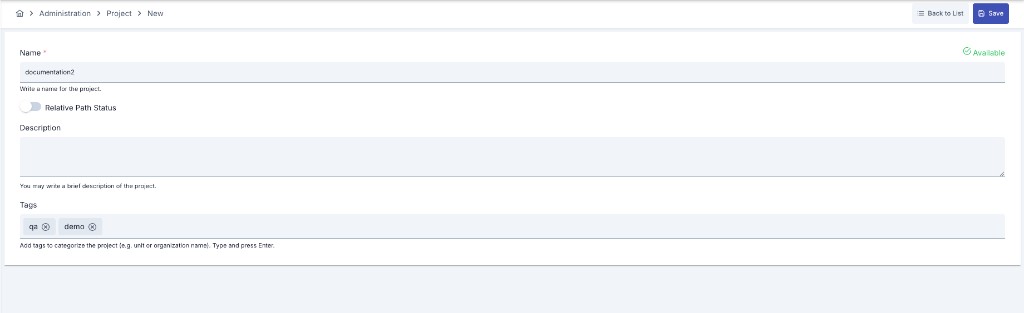
Creating a new project is done through the admin menu.
Editing and deleting existing projects are done from the project menu.
The image containing project settings is shown below:
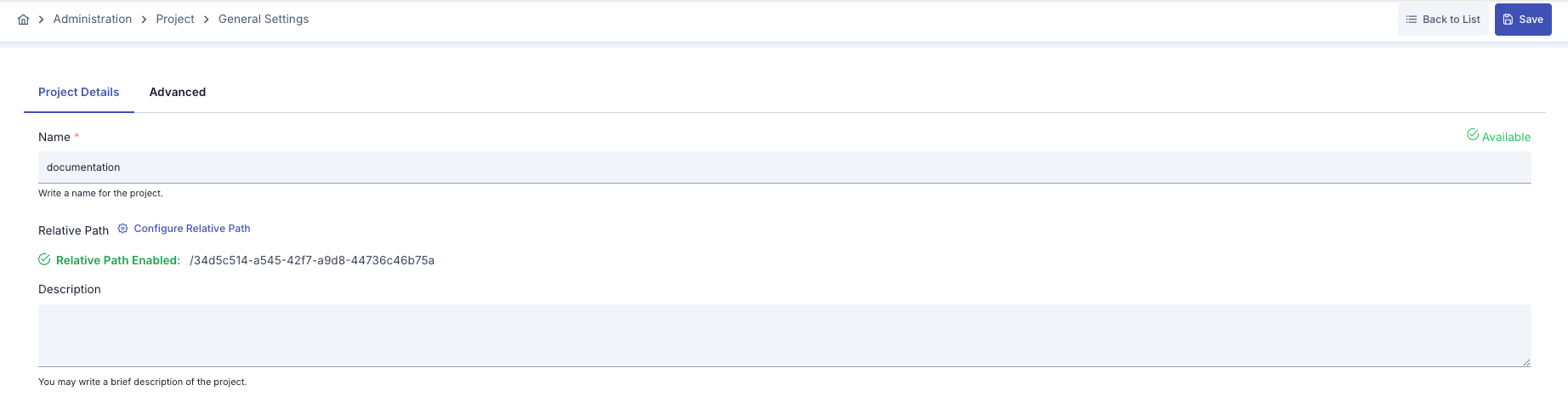
The fields used for project configuration are shown in the table below.
| Field | Description |
|---|---|
| Name | Project name information for the created project. |
| Gateway Address (Relative Path) | Root gateway address where all gateway addresses to be defined within the project will start. An automatic UUID is given by the system. For example; /myproject/proxy1 |
| Description | A description can be written to facilitate management related to the created project. |
| Tags | Multiple tags can be added to categorize the project (for example by unit or organization name), or existing tags can be updated. Tags are entered as free text, each one added by pressing Enter. |
| Data Retention Profile | Leave empty to inherit the global data retention profile. A stricter profile than the inherited one can be chosen; a looser one is rejected on save. |
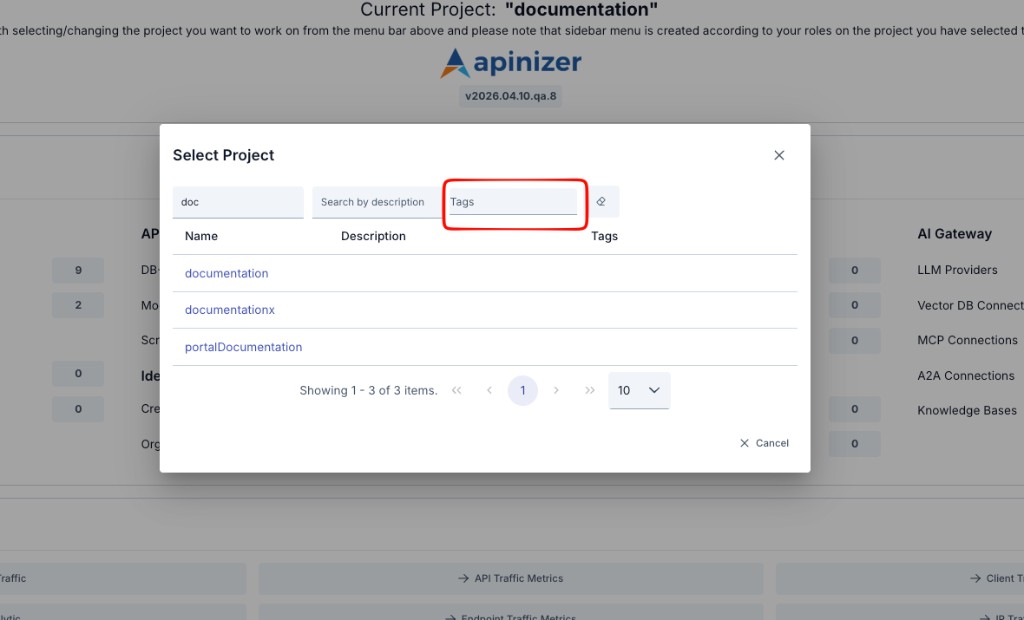
In the project selection window at the top of the screen, projects can be filtered by name, description, and tags.
Project Deletion
Click the Delete Project button from the Advanced tab of the project. After confirming the operation in the opened dialog, the project and all information connected to the project are deleted.

When you delete a project, all assets (API Proxies, Connection Configurations, Consumers information, etc.) and configuration information belonging to that project will be deleted.
Deleting a project also removes its records from gateway (worker) memory: API Proxies, Proxy Groups, consumers, API clients, roles, organizations, contracts, limit bindings, authentication providers (LDAP, database, API, OIDC), certificates, keystores, crypto keys, JWKs, IP groups, LLM providers and environment variables. A consumer of a deleted project can no longer obtain tokens; no worker restart is needed.
The deletion runs through these phases: undeploying the traffic-serving items, sweeping worker memory, cleaning up external state (knowledge bases, task flows, alerts, identity sync jobs), runtime undeploy, deleting database records, deleting the project record, a second worker sweep, and writing the summary audit record.
- The project record remains only if the database step fails; you can delete the project again.
- An unreachable worker does not stop the deletion; the result is written to the summary audit record as PARTIAL.
- An active legal hold does not block deletion; the number of active legal holds is written to the summary audit record. Evidence collections such as audit records and traffic logs are not deleted and are preserved.
- JWK references held by other projects are not deleted, they are cleared. ADMIN portal applications are not affected.
- If a worker of an older version that does not support the sweep is present, the summary audit record states it.
When the deletion finishes, a Project Deleted record is created in Audit Records.