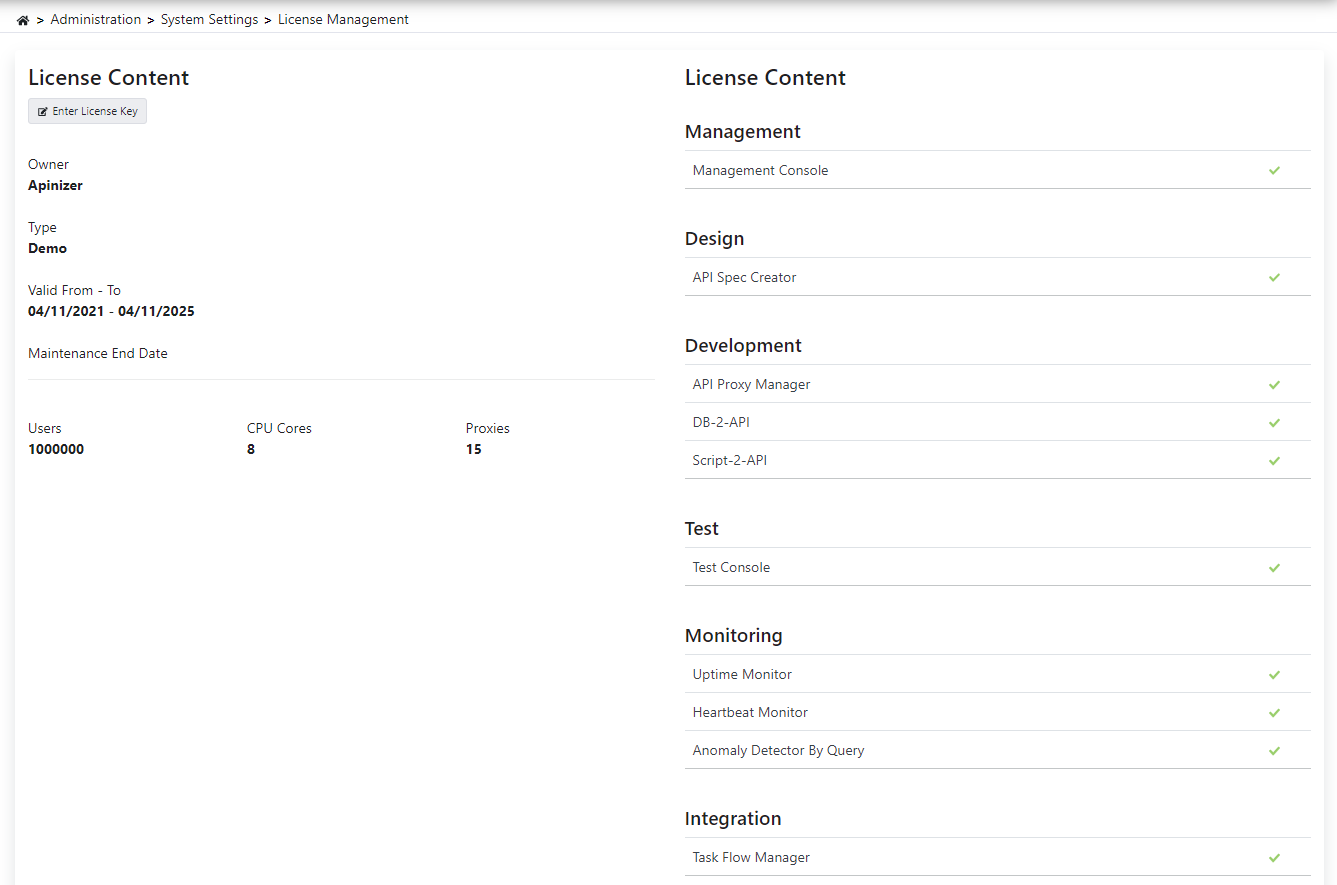
License Management
Apinizer License Types
There are two types of licenses in Apinizer. Perpetual and Time Limited.
If you have a Time Limited license, the Apinizer Management Console will not open when your license period expires. However, services will continue to run.
In Perpetual License usage, you will not be able to make new version updates when your maintenance period ends. You will receive a warning in the Apinizer Management Console when the license or maintenance period is about to expire. Please contact your Apinizer consultant to avoid problems in this case.

License Update
Go to the Management → System Settings → License Management screen.
Paste your license key into the field that opens by clicking the Enter License Key button.
Complete the update process by clicking the Apply License button.