FTP Read Connector
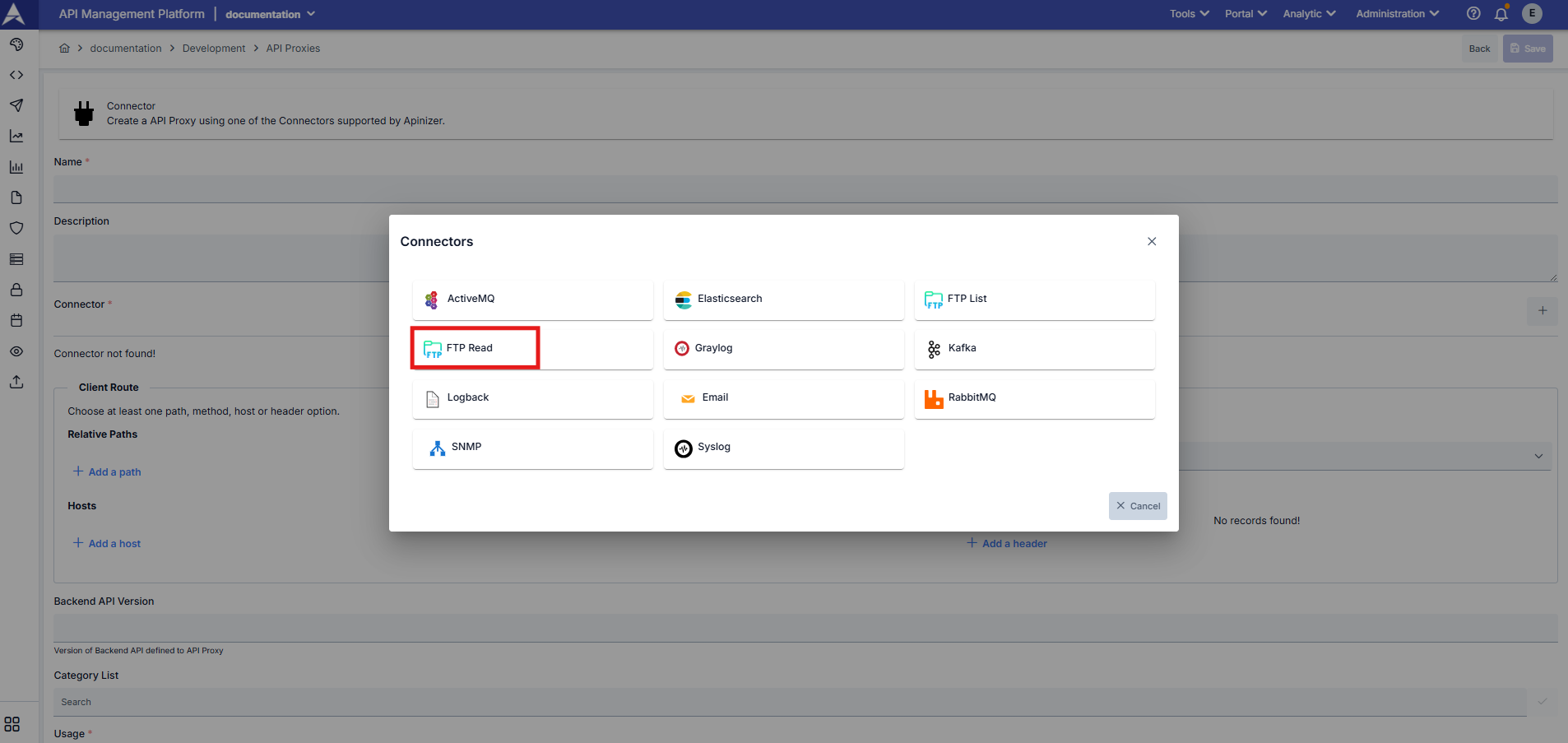
You can access file contents on your FTP servers or different environments.
You can search files according to specific criteria and patterns.
You can download file contents in different formats (JSON, ZIP, MTOM).
Usage
The FTP file read connector you create allows you to perform file reading operations from FTP server. This connector provides flexible search criteria such as searching by file name patterns, wildcard matching, and exact match, along with the ability to produce output in various formats, allowing you to develop solutions suitable for your needs.
The connector accepts HTTP POST request with JSON body. If request body is sent empty, default values are used.
HTTP Request
curl --location --request POST "https://<APINIZER_ACCESS_URL>/<RELATIVE_PATH>" \
  -H "Content-Type: application/json" \
  --data-raw '{"searchType": "WILDCARD", "searchPattern": "*.json", "returnType": "ALL_MATCHES", "outputFormat": "JSON_BASE64"}'
Request Body Parameters
File Search Settings
Type: string
Default Value: STARTS_WITH
Description: Specifies how file names will be searched. Available options:
- STARTS_WITH: Checks if file name starts with the given pattern
- EXACT_MATCH: Checks for exact match with the given file name
- CONTAINS: Checks if file name contains the given pattern
- ENDS_WITH: Checks if file name ends with the given pattern
- WILDCARD: Uses wildcard pattern matching (* matches any sequence, ? matches single character)
Type: string
Default Value: (empty - returns all files)
Description: File name or pattern to search for. Usage depends on searchType:
- For WILDCARD:
*.json,file?.txt,invoice_*.pdf - For ENDS_WITH:
.json,.pdf,.xml - For STARTS_WITH:
invoice_,report,data - For CONTAINS:
2025,test,_backup - For EXACT_MATCH:
report.pdf,config.json
Type: boolean
Default Value: true
Description: Determines whether file name search is case-sensitive. When set to true, "File.txt" and "file.txt" are treated as the same.
Type: string
Default Value: ALL_MATCHES
Description: Specifies the amount of results to return:
- FIRST_MATCH: Downloads only the first matching file and stops searching. Useful when you need just one file quickly.
- ALL_MATCHES: Downloads all matching files. Use this when you need to process multiple files.
File Size Limitation
Type: integer
Default Value: (no limit)
Description: Maximum file size in kilobytes (KB) to download. Files larger than this size are skipped and not included in the response.
Example: Setting it to 10240 means only files up to 10 MB (10240 KB) will be downloaded.
Use Case: Prevent downloading very large files that could cause memory or performance issues.
Output Format Settings
Type: string
Default Value: JSON_BASE64
Description: Specifies the format in which file contents will be returned:
- JSON_BASE64: File contents are returned in JSON format with Base64 encoding. Best for API integrations and when you need structured response.
- MTOM: Files are returned in MTOM (Message Transmission Optimization Mechanism) format as multipart SOAP message. Useful for SOAP-based integrations.
- ZIP: All matching files are packaged into a single ZIP archive. Best for downloading multiple files or large files efficiently.
When using MTOM or ZIP format, if no files are found, the response returns HTTP 404 status code with error message. Only JSON_BASE64 format returns HTTP 200 with empty files array.
Response Format
Response format varies based on the outputFormat parameter:
JSON_BASE64 Format (Default)
Successful Response:
{
  "count": 2,
  "files": [
    {
      "name": "invoice_2025_001.pdf",
      "data": "JVBERi0xLjQKJeLjz9MKMyAwIG9iago8PC9UeXBlL...",
      "size": 245760
    },
    {
      "name": "invoice_2025_002.pdf",
      "data": "JVBERi0xLjQKJeLjz9MKMyAwIG9iago8PC9UeXBlL...",
      "size": 198432
    }
  ]
}
Empty Response (No Files Found):
{
  "count": 0,
  "message": "No files found",
  "files": []
}
In JSON_BASE64 format, the data field contains the Base64 encoded file content. You need to decode this data to access the actual file content.
ZIP Format
When outputFormat is set to ZIP, all matching files are packaged into a single ZIP archive and returned as binary data.
Headers:
Content-Type: application/zipContent-Disposition: attachment; filename="ftp_files.zip"
Response: Binary ZIP file data
If no files are found, returns HTTP 404 status code with error message: "No files found"
MTOM Format
When outputFormat is set to MTOM, files are returned as multipart SOAP message in MTOM format.
Headers:
Content-Type: multipart/related; boundary=...; type="application/xop+xml"
Response: Multipart MTOM message with file attachments
If no files are found, returns HTTP 404 status code with error message: "No files found"
Example Scenarios
Example 1: JSON Format - First Match
Usage Scenario: Find the first file starting with "invoice_2025_" and return in JSON format. Accept files up to 10 MB in size.
Request:
{
  "caseInsensitive": true,
  "searchType": "STARTS_WITH",
  "searchPattern": "invoice_2025_",
  "returnType": "FIRST_MATCH",
  "maxFileSizeKB": 10240,
  "outputFormat": "JSON_BASE64"
}
Response:
{
  "count": 1,
  "files": [
    {
      "name": "invoice_2025_001.pdf",
      "data": "JVBERi0xLjQKJeLjz9MK...",
      "size": 245760
    }
  ]
}
Example 2: ZIP - All Matches
Usage Scenario: Find all PDF files and download as ZIP archive.
Request:
{
  "caseInsensitive": false,
  "searchType": "ENDS_WITH",
  "searchPattern": ".pdf",
  "returnType": "ALL_MATCHES",
  "outputFormat": "ZIP"
}
Response: Binary ZIP file containing all matching PDF files.
Example 3: MTOM Format
Usage Scenario: Find the file named "payload.xml" with exact match and return in MTOM format for SOAP integration.
Request:
{
  "searchType": "EXACT_MATCH",
  "searchPattern": "payload.xml",
  "returnType": "FIRST_MATCH",
  "outputFormat": "MTOM"
}
Response: Multipart MTOM message with the file attached.
Example 4: Wildcard Pattern - All JSON Files
Usage Scenario: Find all JSON files in the directory using wildcard pattern.
Request:
{
  "searchType": "WILDCARD",
  "searchPattern": "*.json",
  "returnType": "ALL_MATCHES",
  "outputFormat": "JSON_BASE64"
}
This will match files like config.json, data.json, report.json
Example 5: Complex Wildcard Pattern
Usage Scenario: Find files matching specific pattern with single character wildcard.
Request:
{
  "searchType": "WILDCARD",
  "searchPattern": "report_2025_0?.pdf",
  "caseInsensitive": true
}
This will match files like:
- ✅
report_2025_01.pdf - ✅
report_2025_09.pdf - ❌
report_2025_10.pdf(two digits after 0) - ❌
report_2024_01.pdf(different year)
Example 6: Files Containing Specific Text
Usage Scenario: Find all files containing "backup" in their name.
Request:
{
  "searchType": "CONTAINS",
  "searchPattern": "backup",
  "caseInsensitive": true,
  "maxFileSizeKB": 50000
}
This will match files like daily_backup.zip, backup_2025.tar.gz, db_backup_full.sql
Example 7: Case Sensitive Search
Usage Scenario: Find files with exact case matching.
Request:
{
  "searchType": "STARTS_WITH",
  "searchPattern": "Report",
  "caseInsensitive": false
}
This will match:
- ✅
Report_2025.pdf - ❌
report_2025.pdf(lowercase 'r') - ❌
REPORT_2025.pdf(all uppercase)
Error Handling
JSON_BASE64 Format
Always returns HTTP 200 status code. When no files are found:
{
  "count": 0,
  "message": "No files found",
  "files": []
}
ZIP and MTOM Formats
Return HTTP 404 status code when no files are found:
Status Code: 404 Not Found
Response Body: "No files found"
Best Practices
Always set a reasonable maxFileSizeKB limit to prevent downloading very large files that could cause memory issues.
- Use JSON_BASE64 for API integrations and when you need structured response
- Use ZIP when downloading multiple or large files
- Use MTOM only for SOAP-based integrations
When you only need one file, use returnType: "FIRST_MATCH" to improve performance by stopping search after first match.
*matches zero or more characters?matches exactly one character- Combine them for complex patterns:
file_*.???matchesfile_data.txt,file_test.pdf