Byte Array Content Types
Info
Normally, the bodies (body) of incoming (request) and outgoing (response) messages are evaluated as text. If the Content-Type value is in this list, the content is handled as a Byte Array value.
Creating a New Byte Array Content Type
Click the +New button from the Management → System Settings → Predefined Values → Byte Array Content Types screen.
An image containing Byte Array Content Type creation settings is shown below:
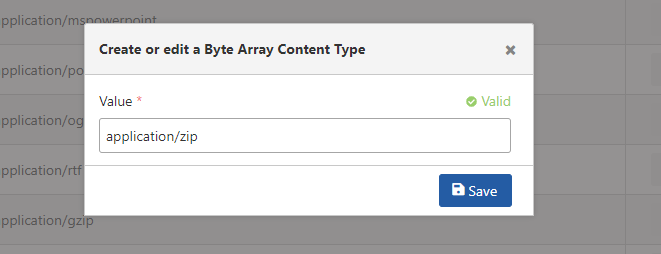
The fields used for Byte Array Content Type creation configuration are shown in the table below.
| Field | Description |
|---|---|
| Value (Value) | Field where the Byte Array Content Type Value is entered. |